Invoices & payments
Finish the job. Get paid.
Completed jobs invoice themselves. Customers pay by card from a link, and every payment lands on the invoice.
Invoicing
The invoice goes out on its own.
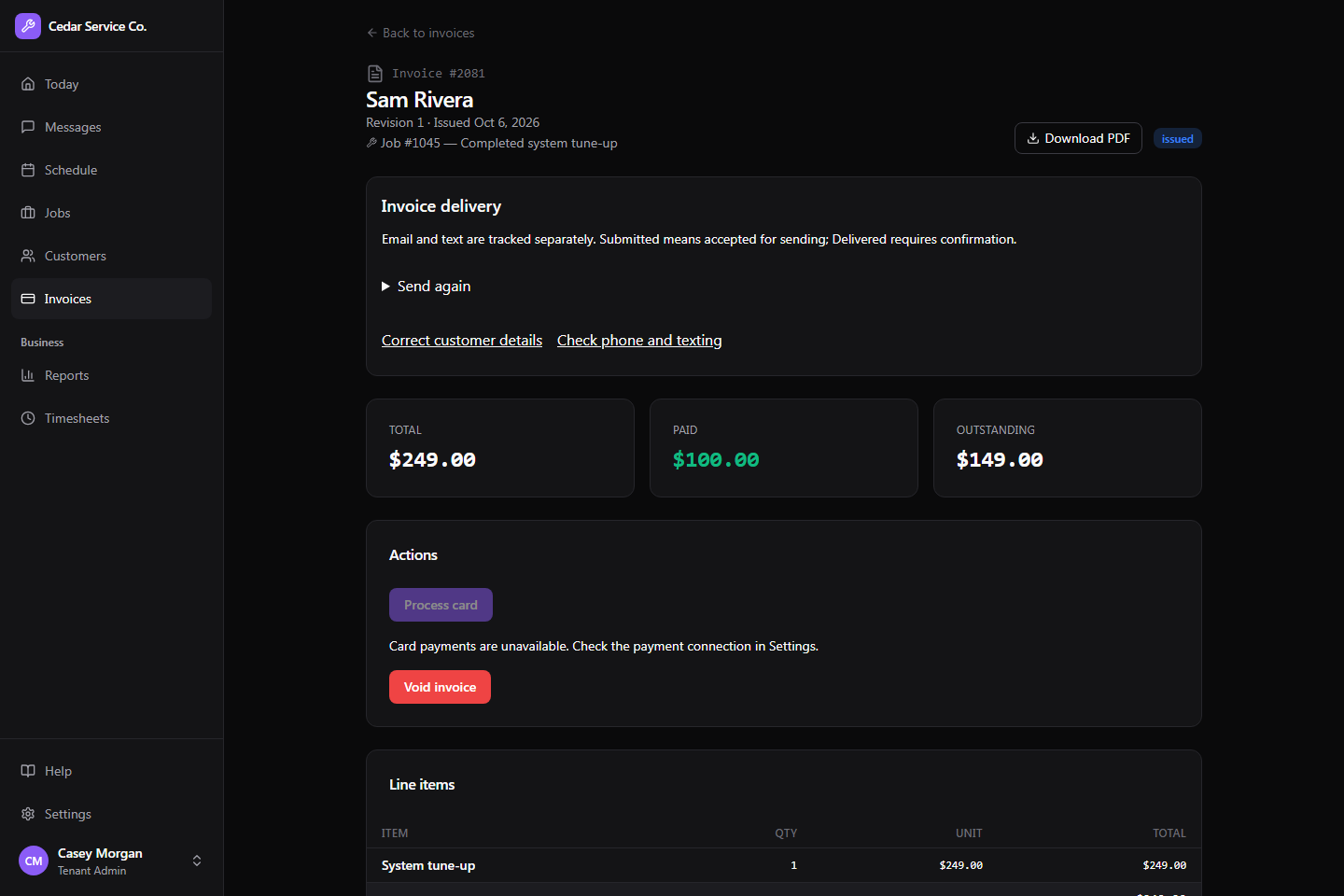
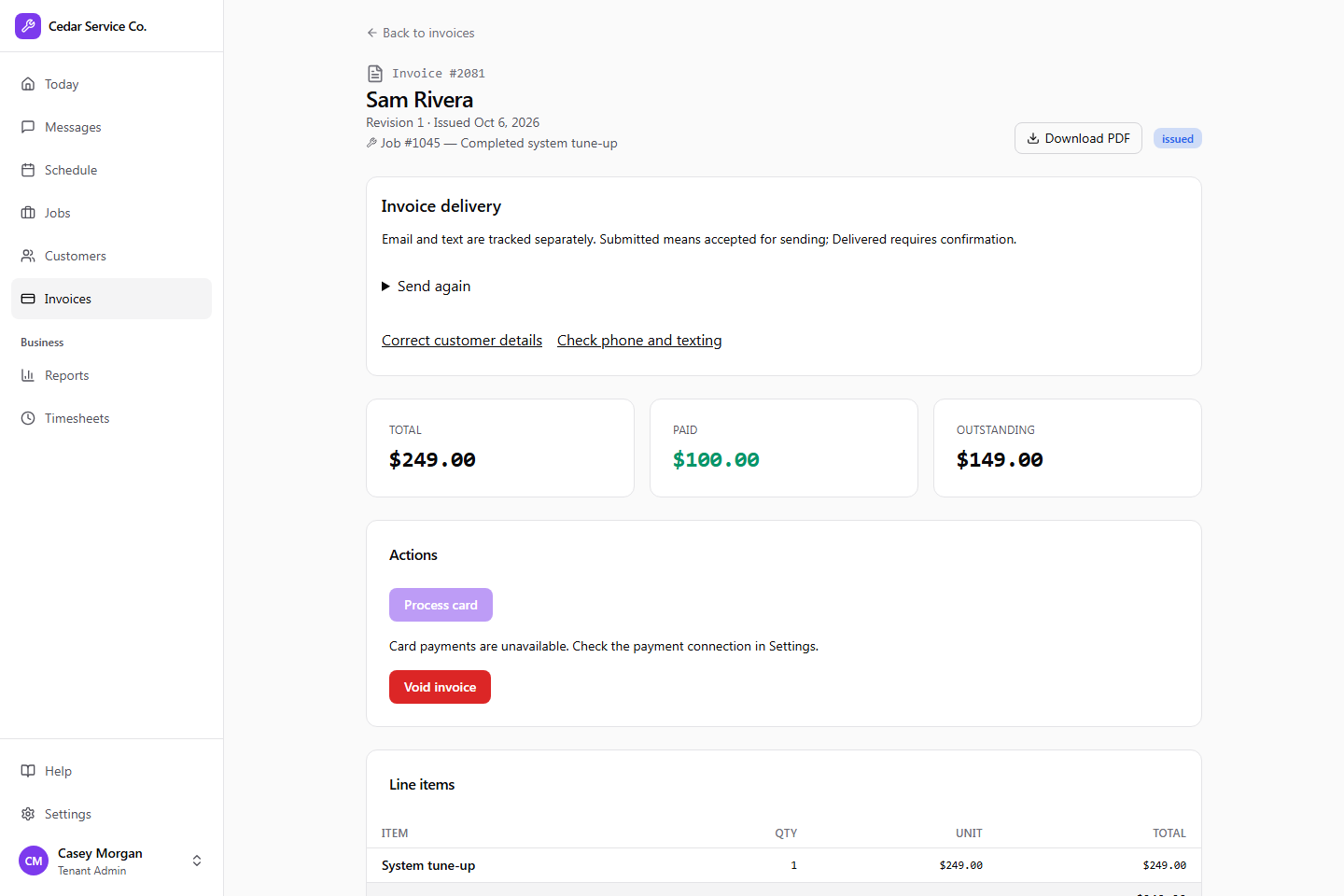
Complete a priced job and Crewsmith issues the invoice, locks it and sends the customer a payment link.
- 01A tech completes the job, in the app or the office.
- 02Crewsmith issues the invoice and locks it.
- 03The customer gets a PDF and a payment link.
- 04Past its due date, it’s marked overdue.
Payments
Card, cash or check.
Customers pay online through your own Stripe account. The office can take a card by phone or record cash and checks.
- Online card payments from the link
- Cards taken by the office
- Cash, check and partial payments
- Refunds and disputes shown on the invoice
Corrections
Fix a mistake, keep the trail.
Issued invoices are locked. A correction publishes a new revision under the same number, and every earlier version stays on record.
Bookkeeping
Hand the numbers to QuickBooks.
Customers, invoices, sales receipts and payments, in files QuickBooks Online imports. Each export picks up where the last one ended.
- Customers, invoices and payments files
- Up to a year per export
Built for the trades
Get back to the work you’re good at.
Tell us about your business and we’ll get you set up.