Crewsmith in the field
The job goes with your technician.
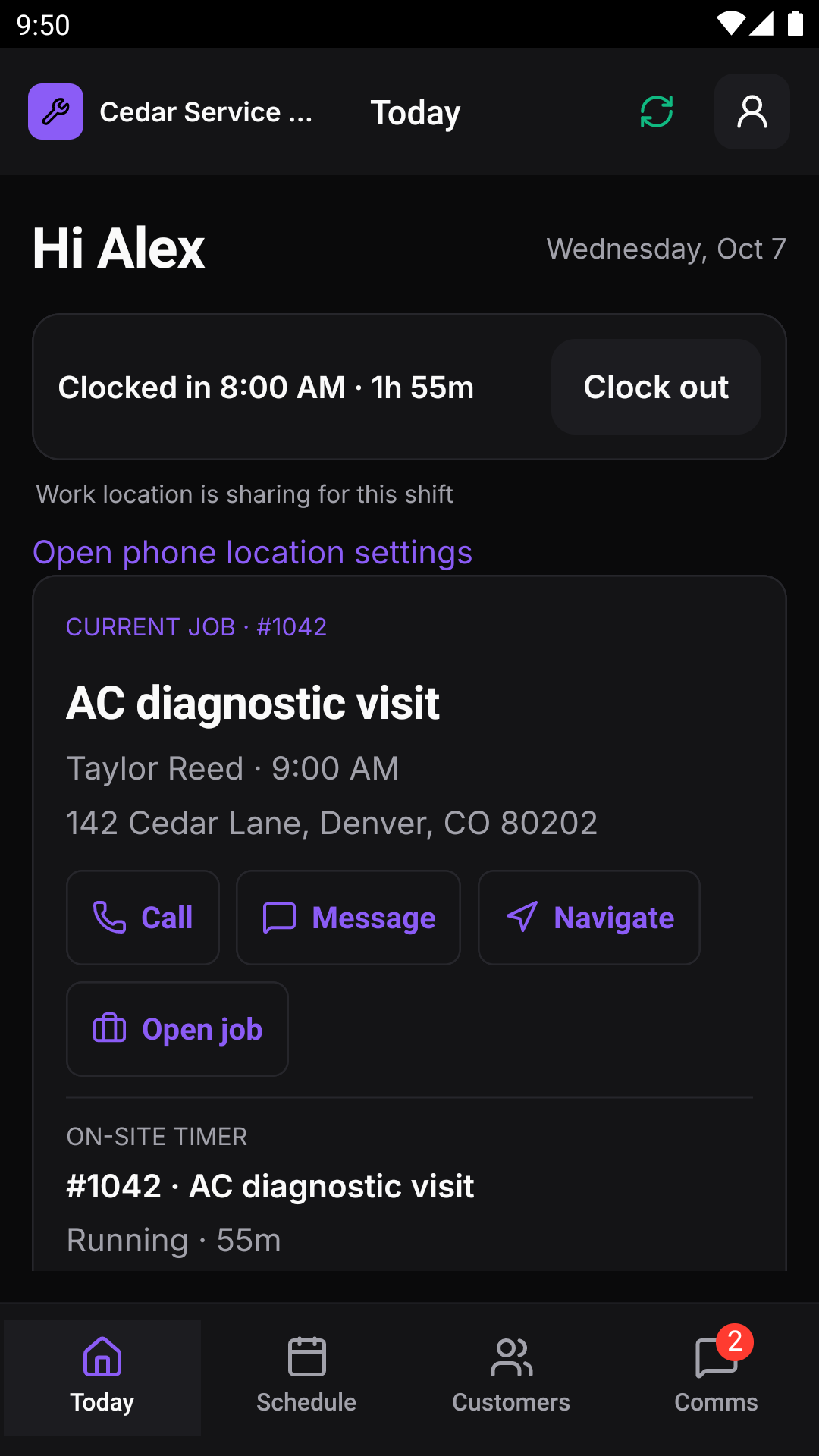
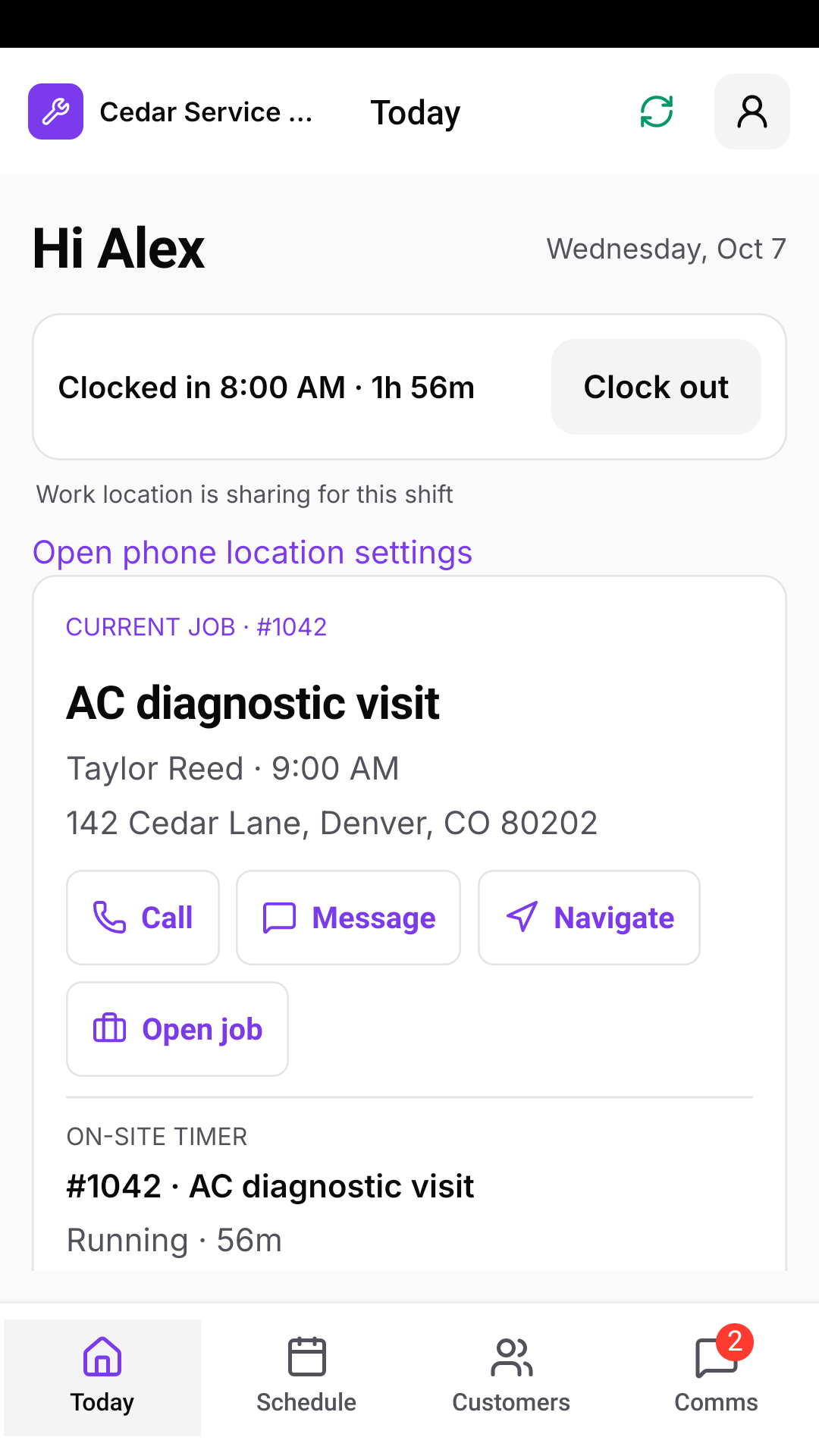
Give your field team the schedule, customer details, and work instructions they need on iOS and Android. Keep notes, photos, conversations, and progress connected to the office throughout the day.
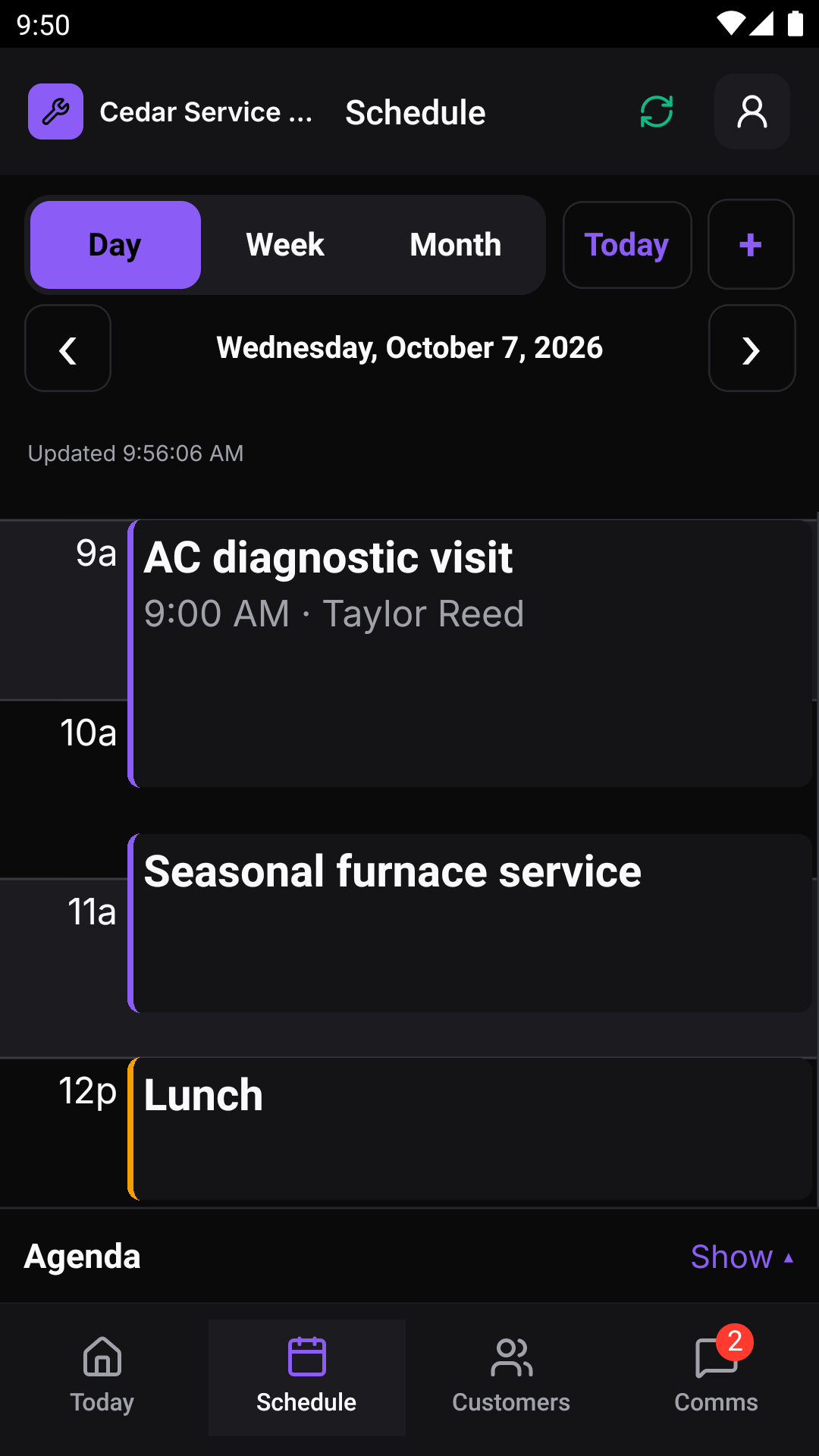
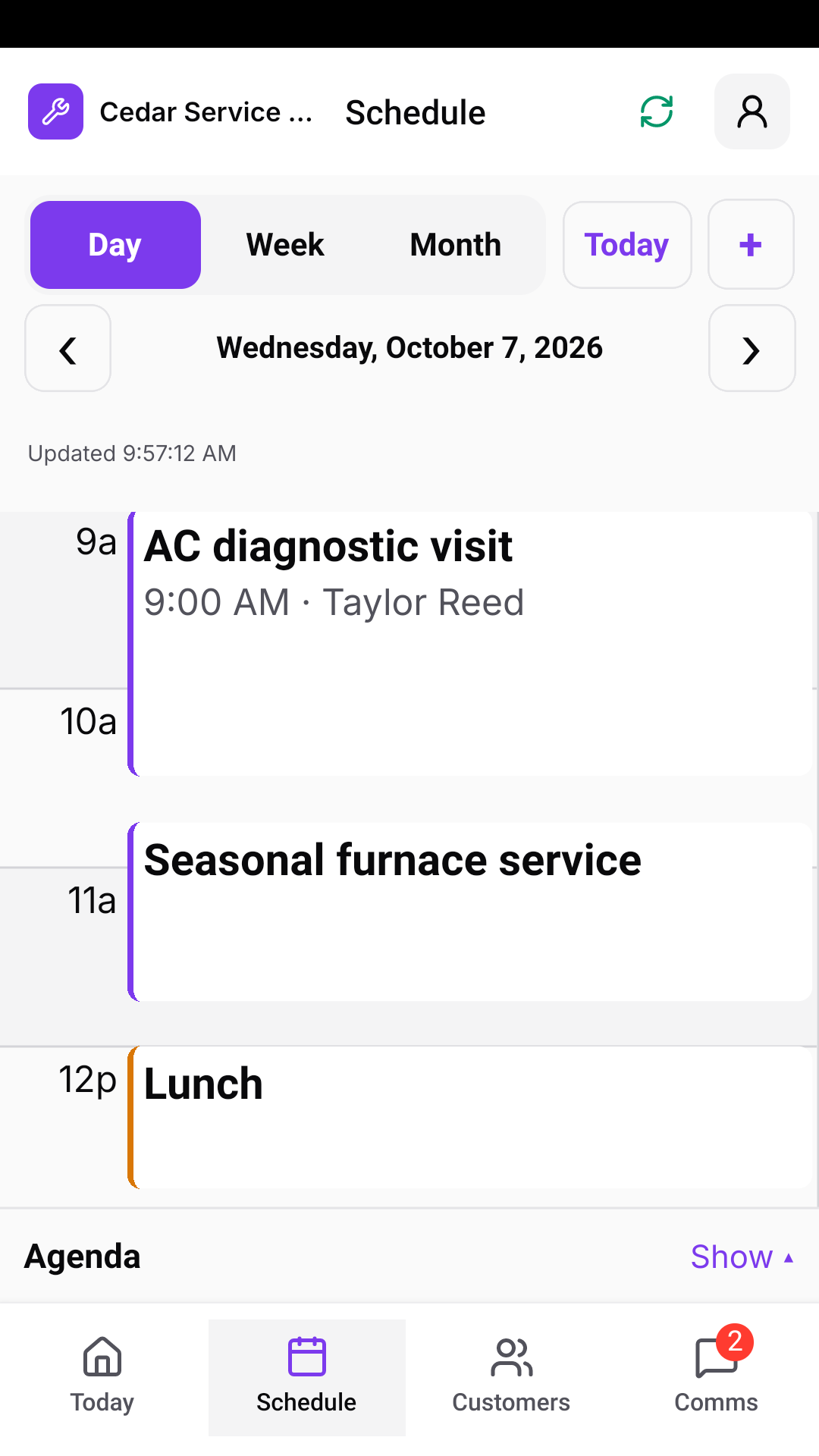
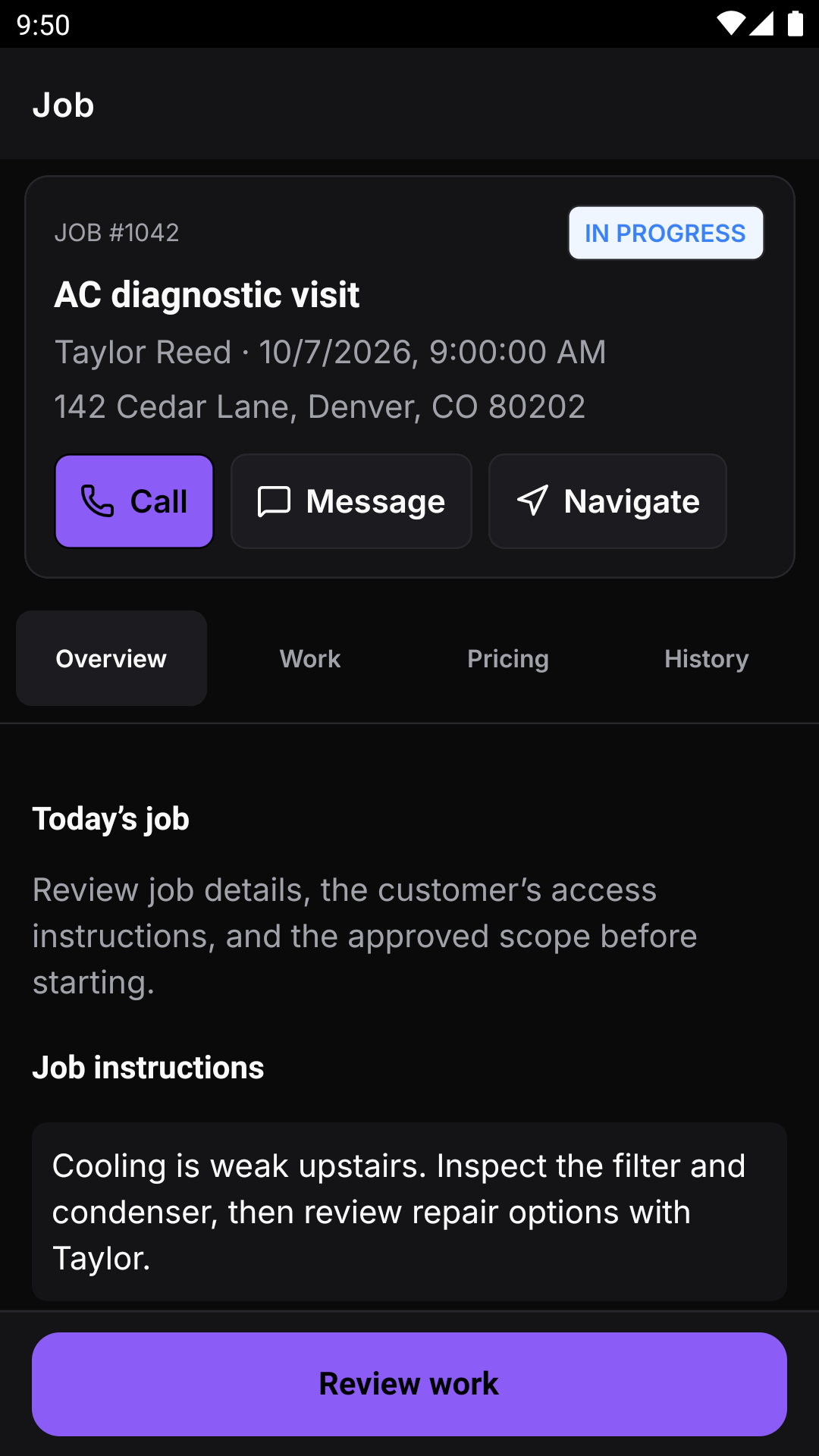
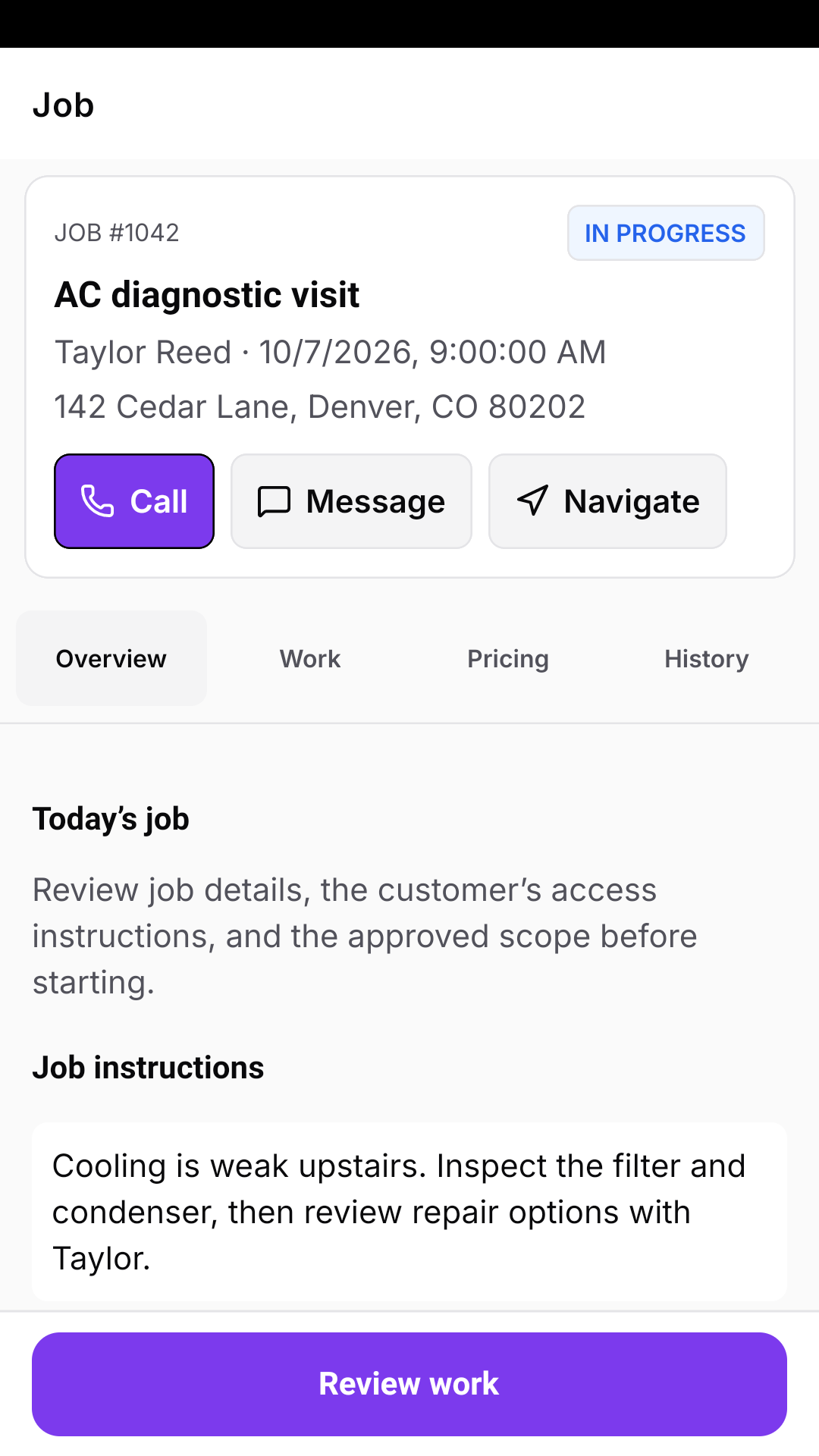
Know where you’re going and what needs doing
Start with today’s work, open the job, and keep the customer informed as the visit moves forward.
- Today and schedule views with customer contact details
- Service addresses, access instructions, and job history
- On-my-way and job progress updates
- Create jobs and drag your own appointments to reschedule
Talk to customers from the company number
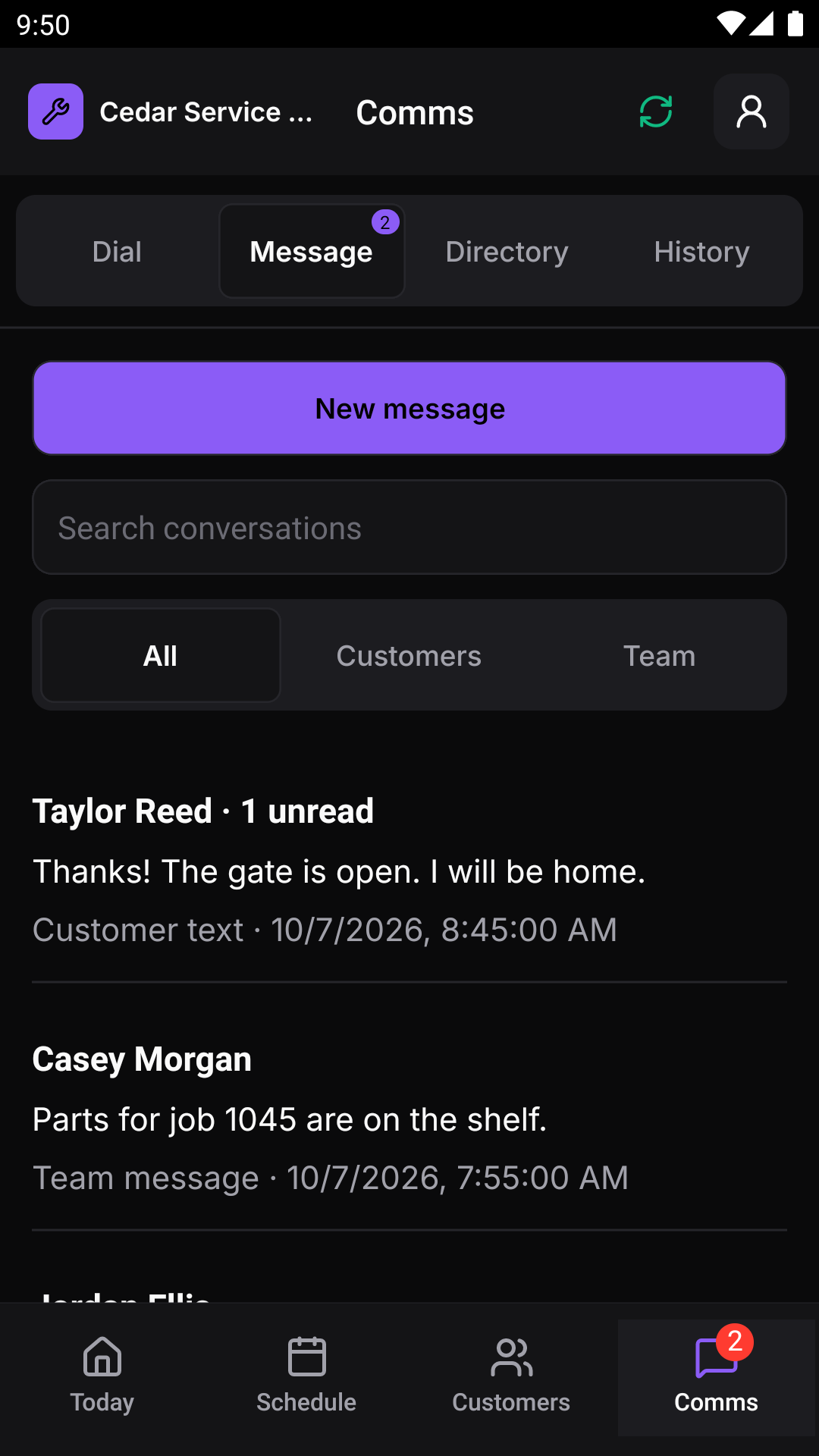
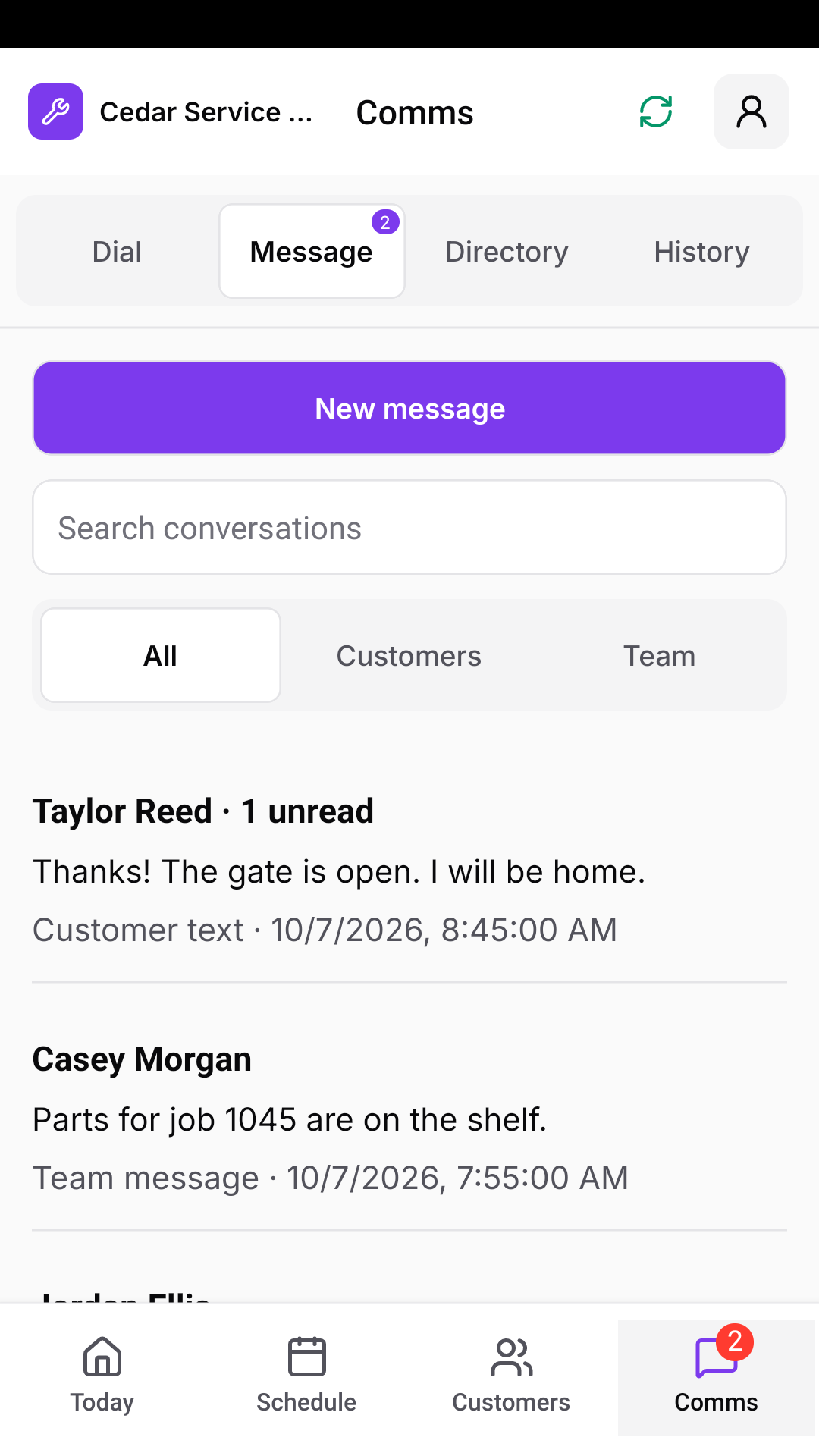
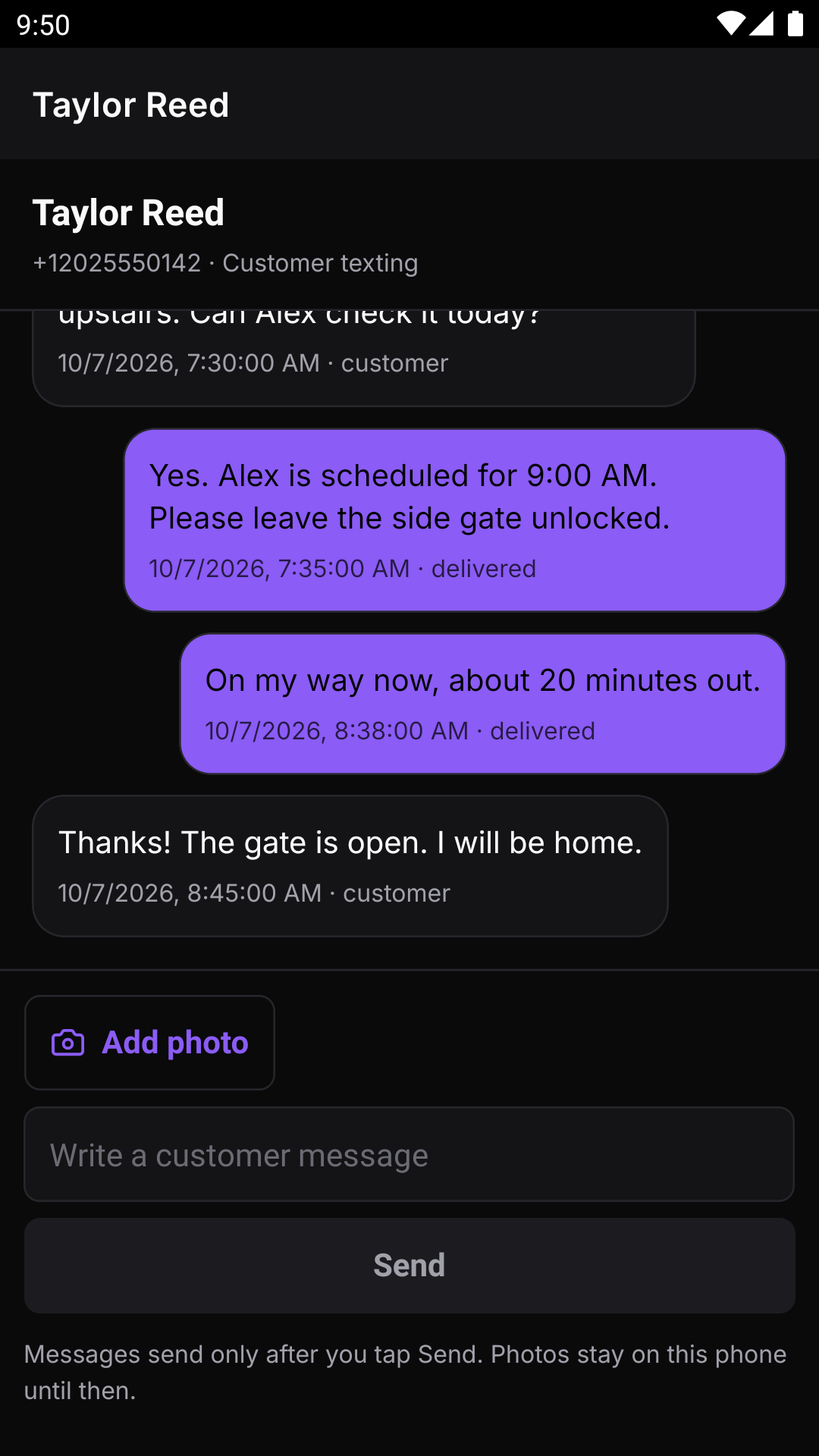
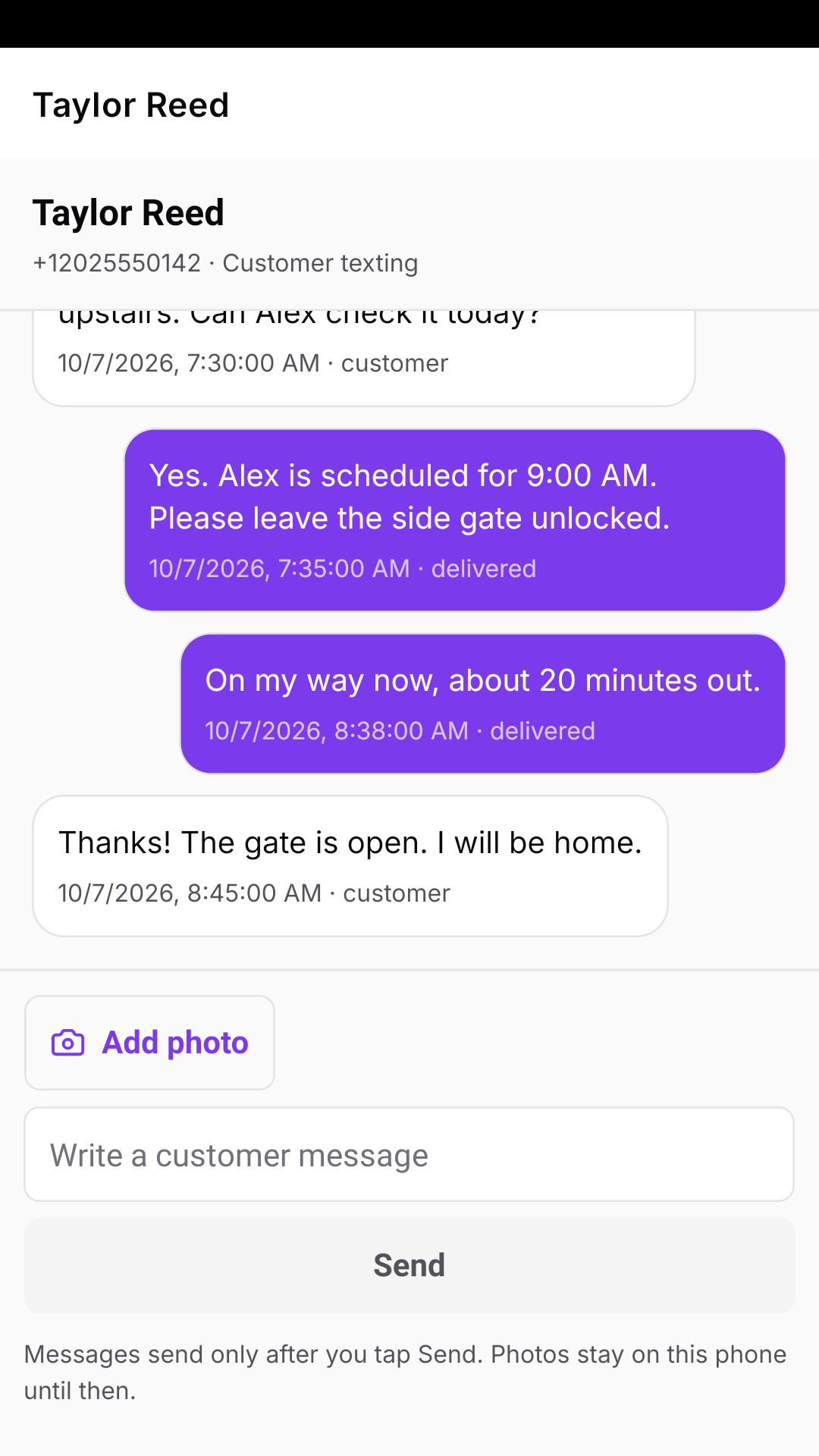
Calls and texts go out from your business number, and the whole conversation stays on the customer’s record for the office.
- Customer calls with notes and outcomes
- Customer texts with photos
- Private team messages
- Full communication history in the Comms tab
Bring the work back to the office
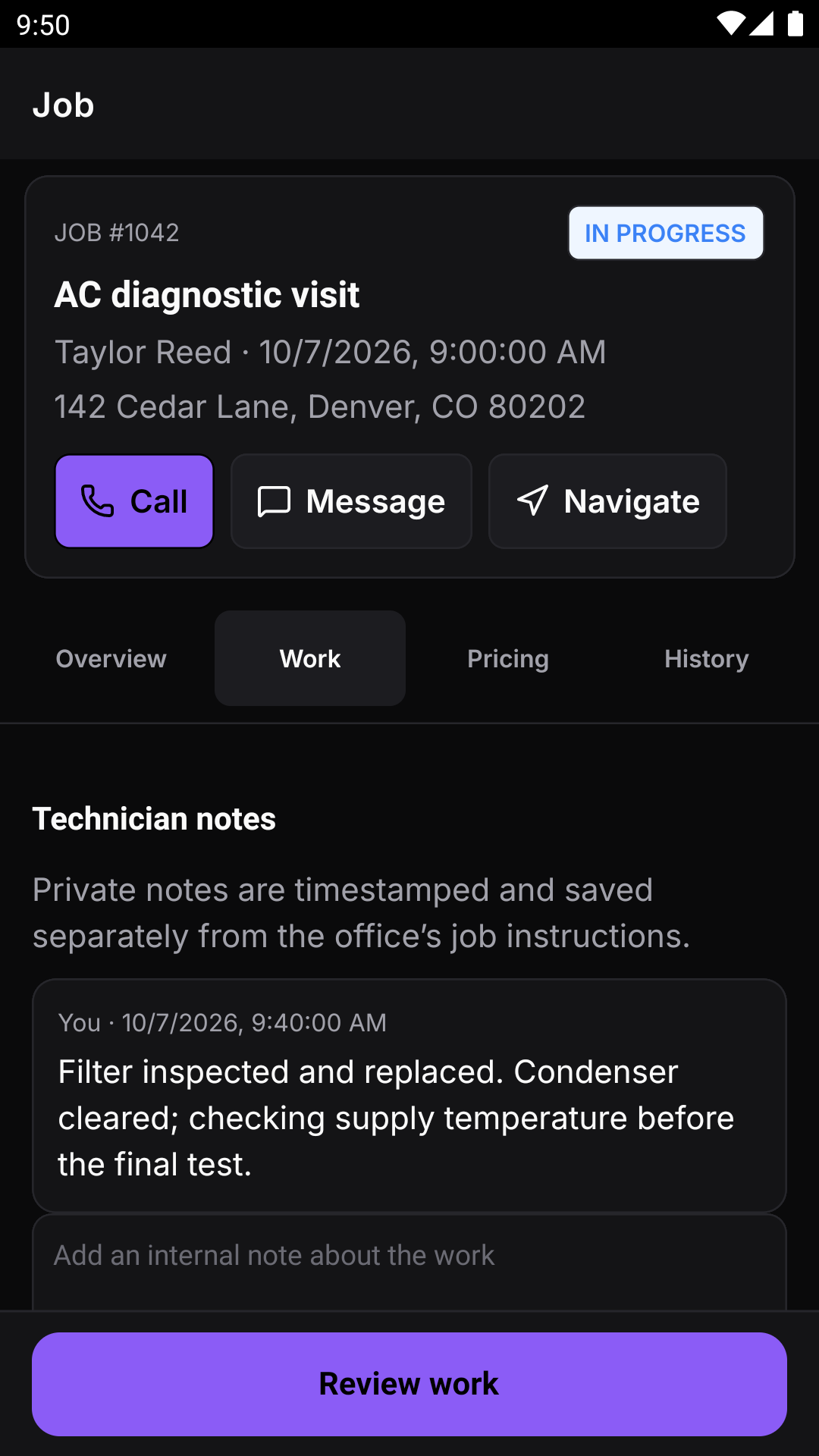
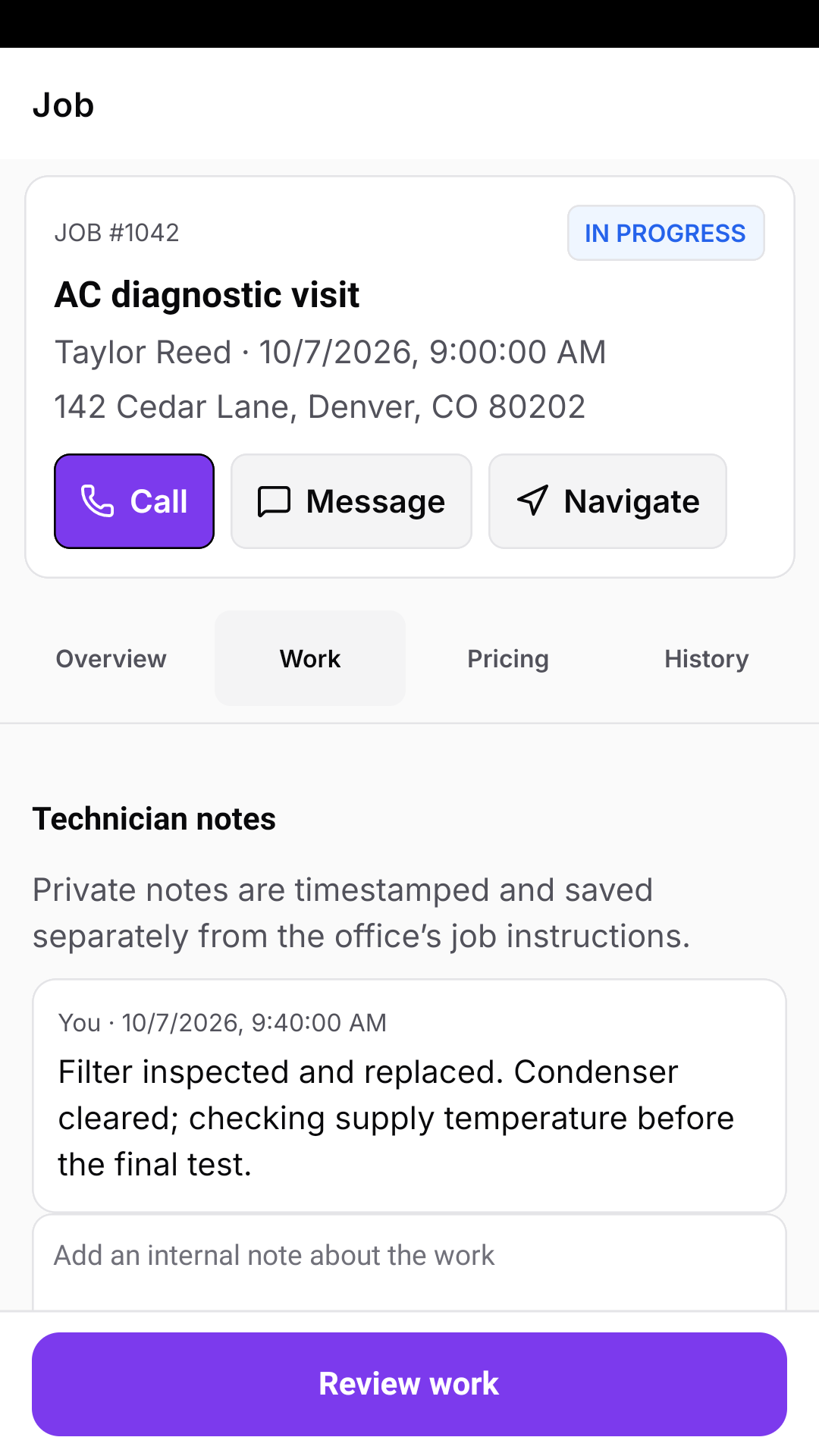
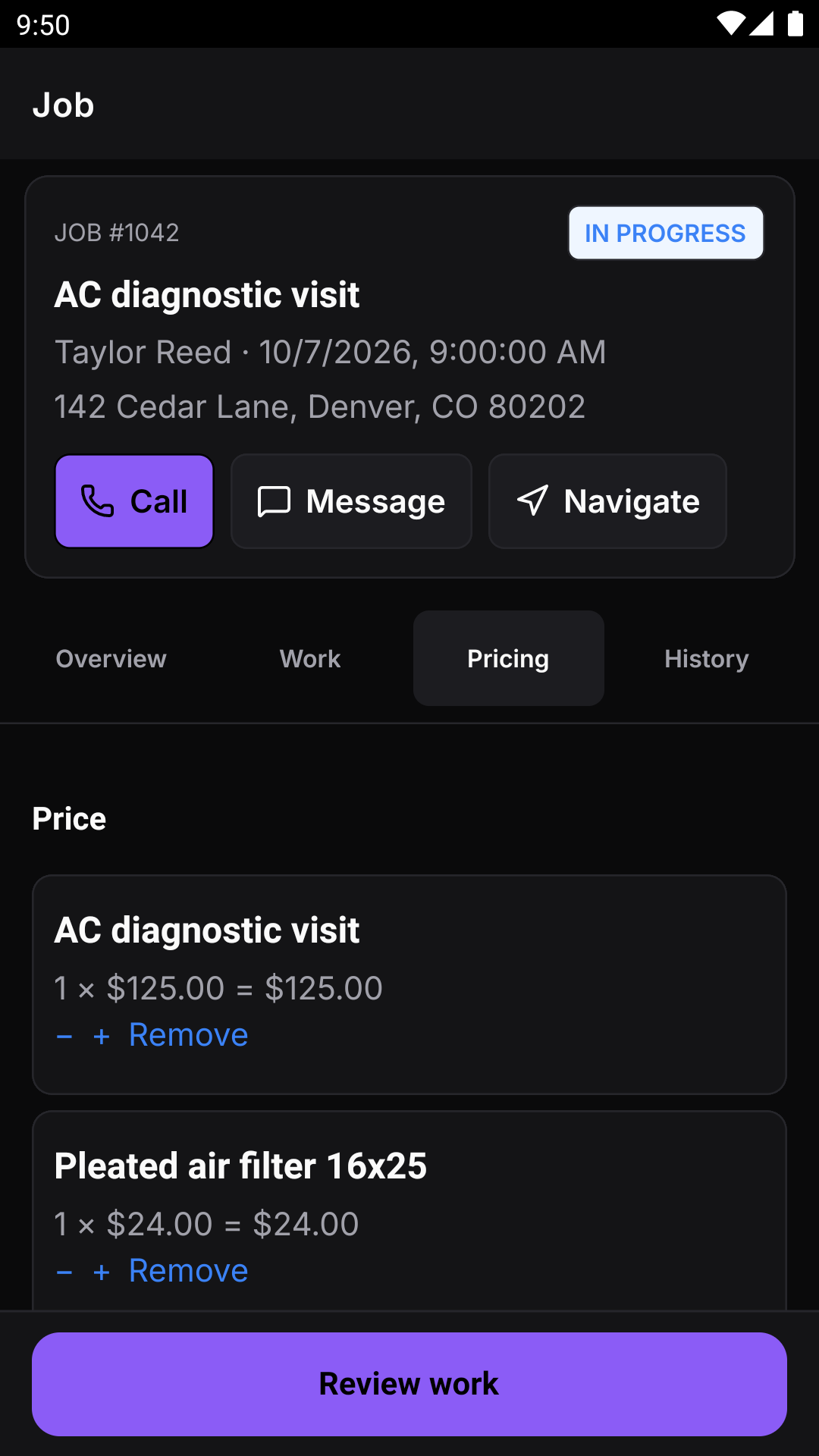
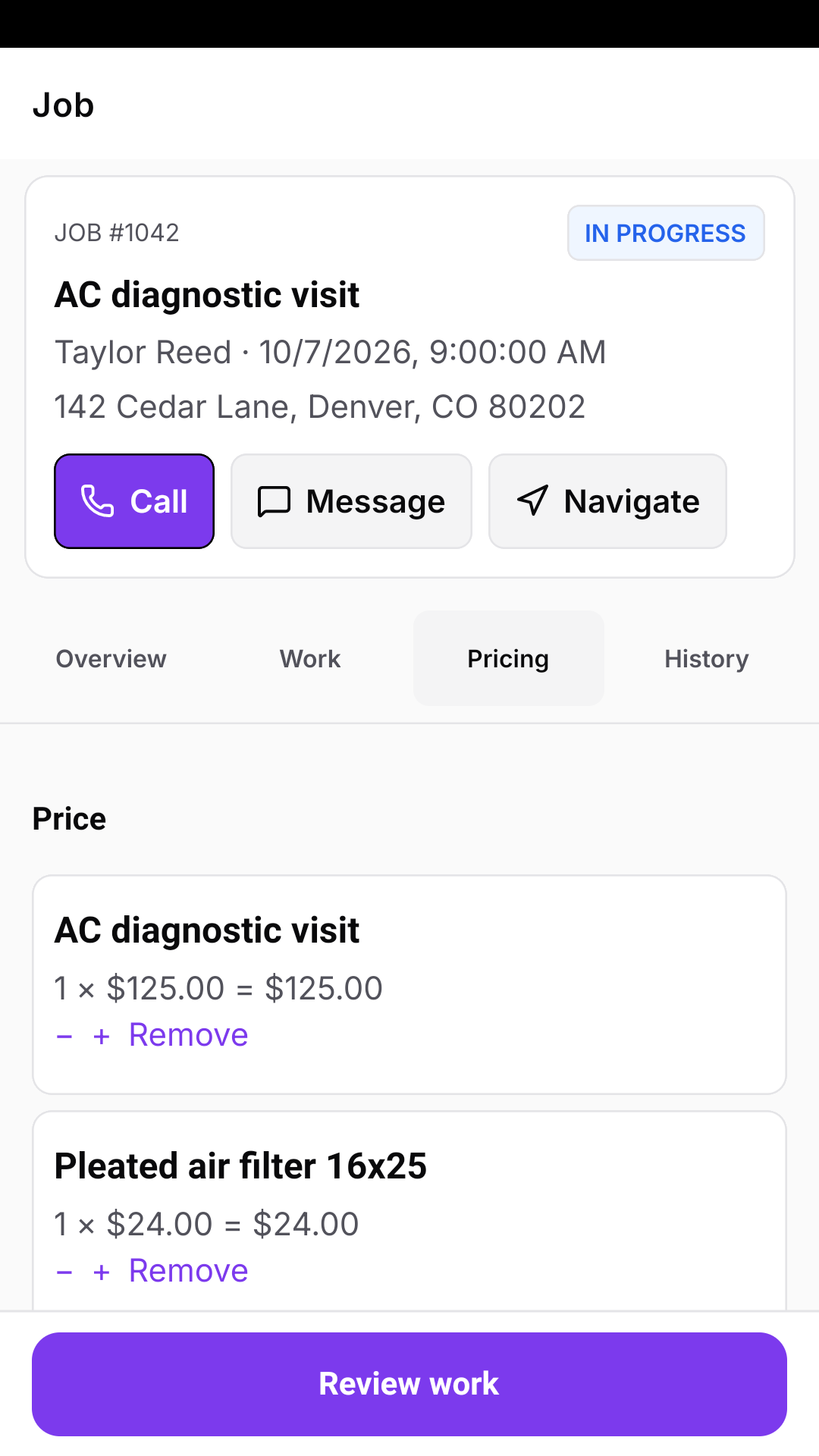
Save technician notes, add job-site photos, quote and collect on site, and track time without a separate end-of-day report.
- Timestamped work notes and job-site photos
- Parts and labor line items
- Issue quotes and take card payments on eligible jobs
- Clock in/out, timesheets, and correction requests
- Required work location during shifts, with automatic off-duty stop
Keep going when reception drops
The app stores assigned work on the phone and queues supported field changes until you’re back online. You can see what is waiting to sync.
- Offline access to previously synced assigned work
- Queued updates, notes, and photo uploads
- Card checkout needs connectivity
- Initial sign-in and the first sync require an internet connection
Record the visit as it happens.
Built around the way service businesses work
See how Crewsmith fits your crew.
Crewsmith is available by invitation. Tell us about your business and we’ll follow up about access and the right plan.