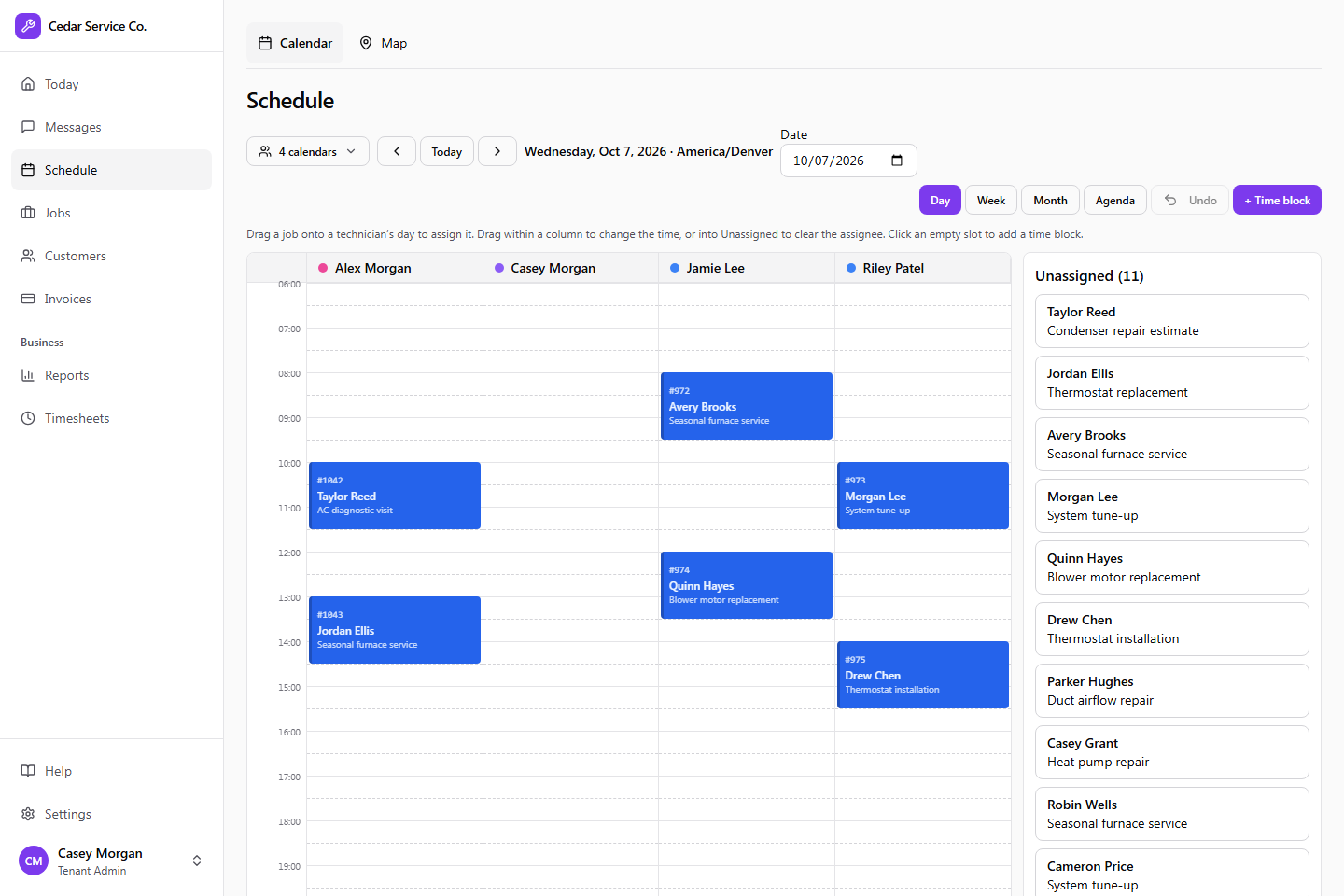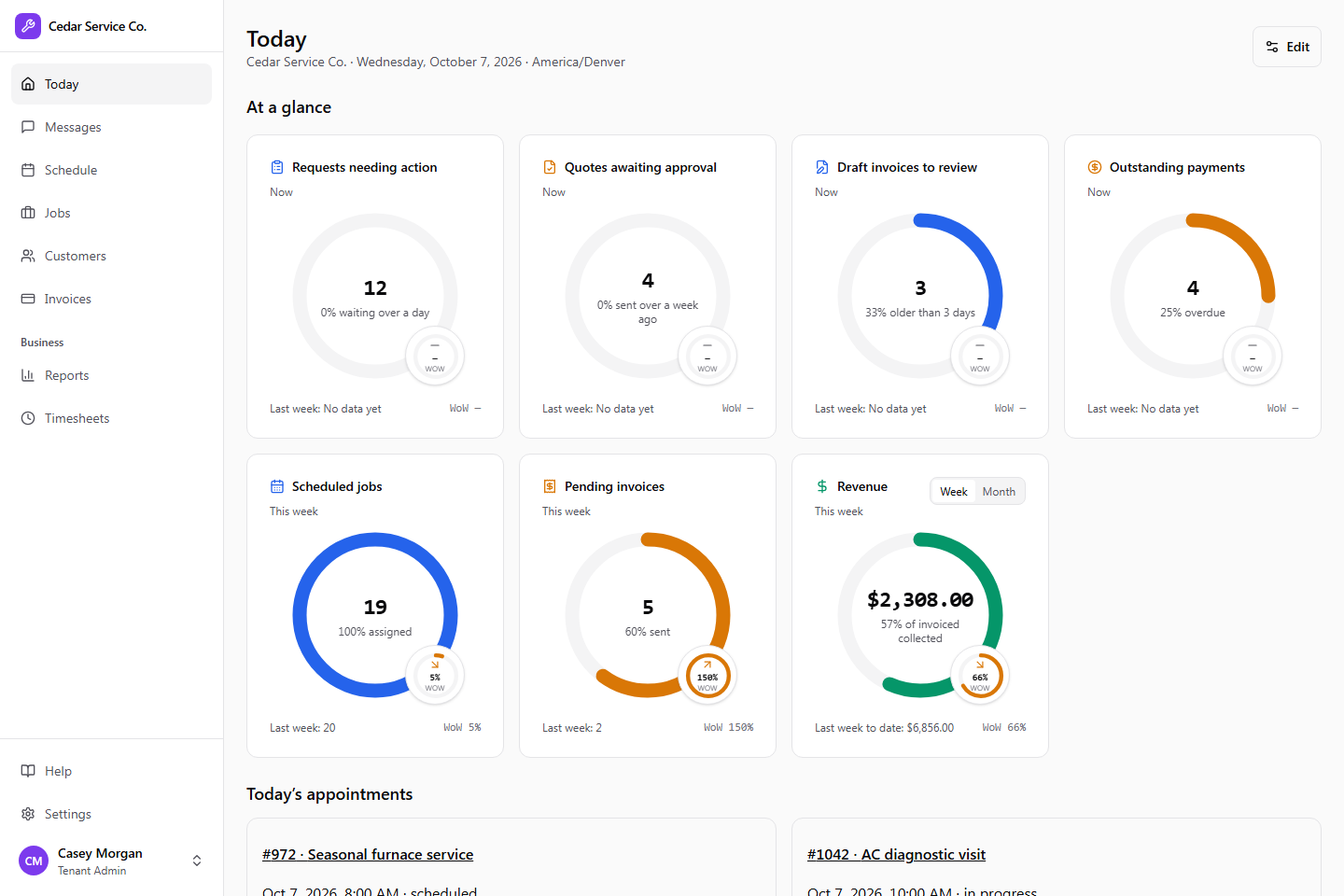
Web app
Work leads, quotes, jobs, the schedule, messages, invoices, and reports from one shared workspace, with automatic dispatch to the right technician.
Explore web appFor the office. For the crew. For what’s next.
Bring customer requests, phone calls, schedules, and payments together. Crewsmith connects the people doing the work with the information and assistants that help it move forward.
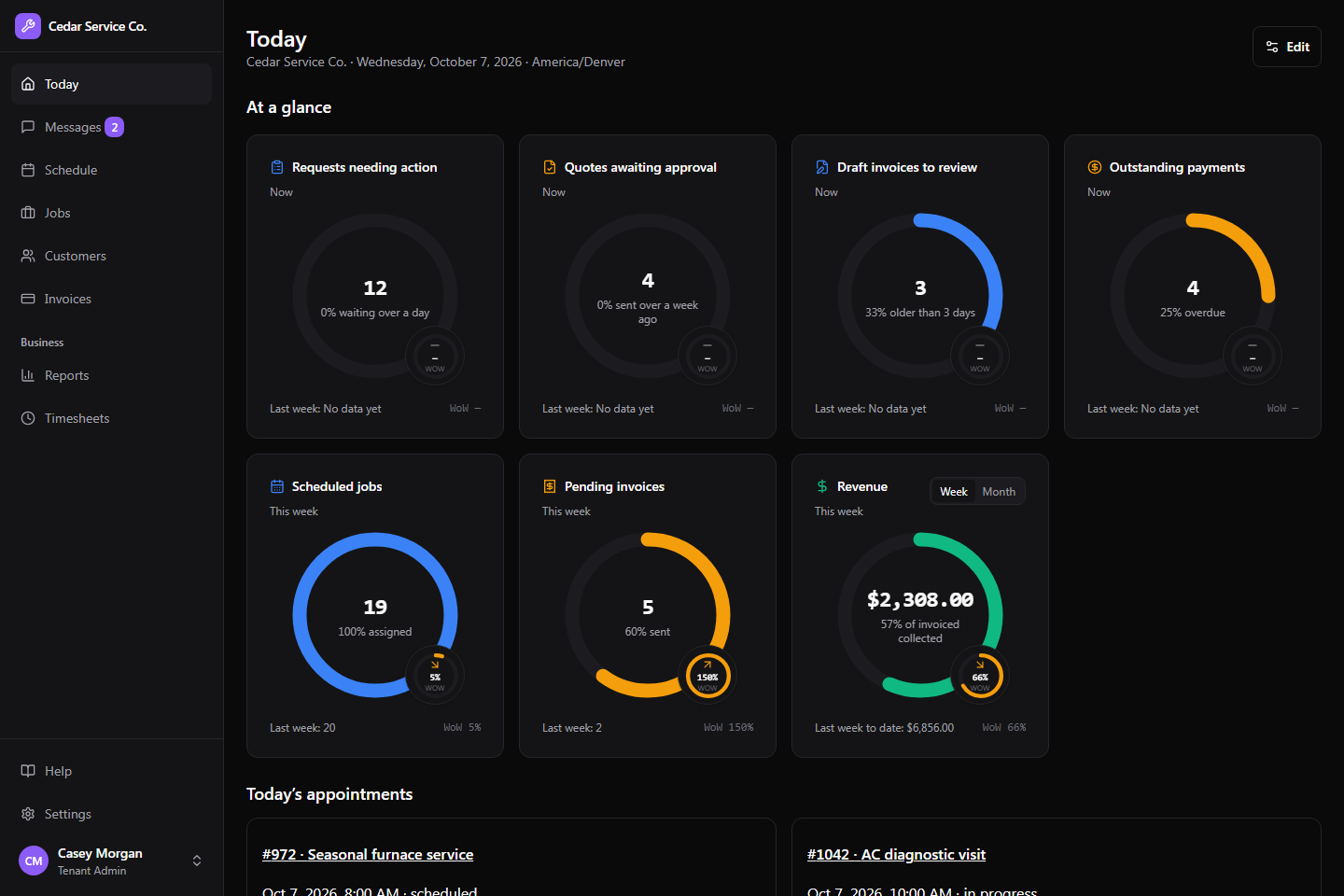
One business, connected
Give the office a clear next step, the customer a helpful answer, and the technician the details they need.
Work leads, quotes, jobs, the schedule, messages, invoices, and reports from one shared workspace, with automatic dispatch to the right technician.
Explore web appAnswer calls with your business’s services and availability, and reply to incoming customer texts. Help callers book or change appointments, and transfer when a person is needed.
AI replies to incoming customer texts
Customers can text your business, photos included, and get a reply from the AI receptionist. Your team can take over a conversation at any time and hand it back when they’re done.
Explore ai receptionistPut the day’s work, customer calls and texts, notes, photos, quotes, payments, and timesheets in your technician’s pocket.
Explore mobile app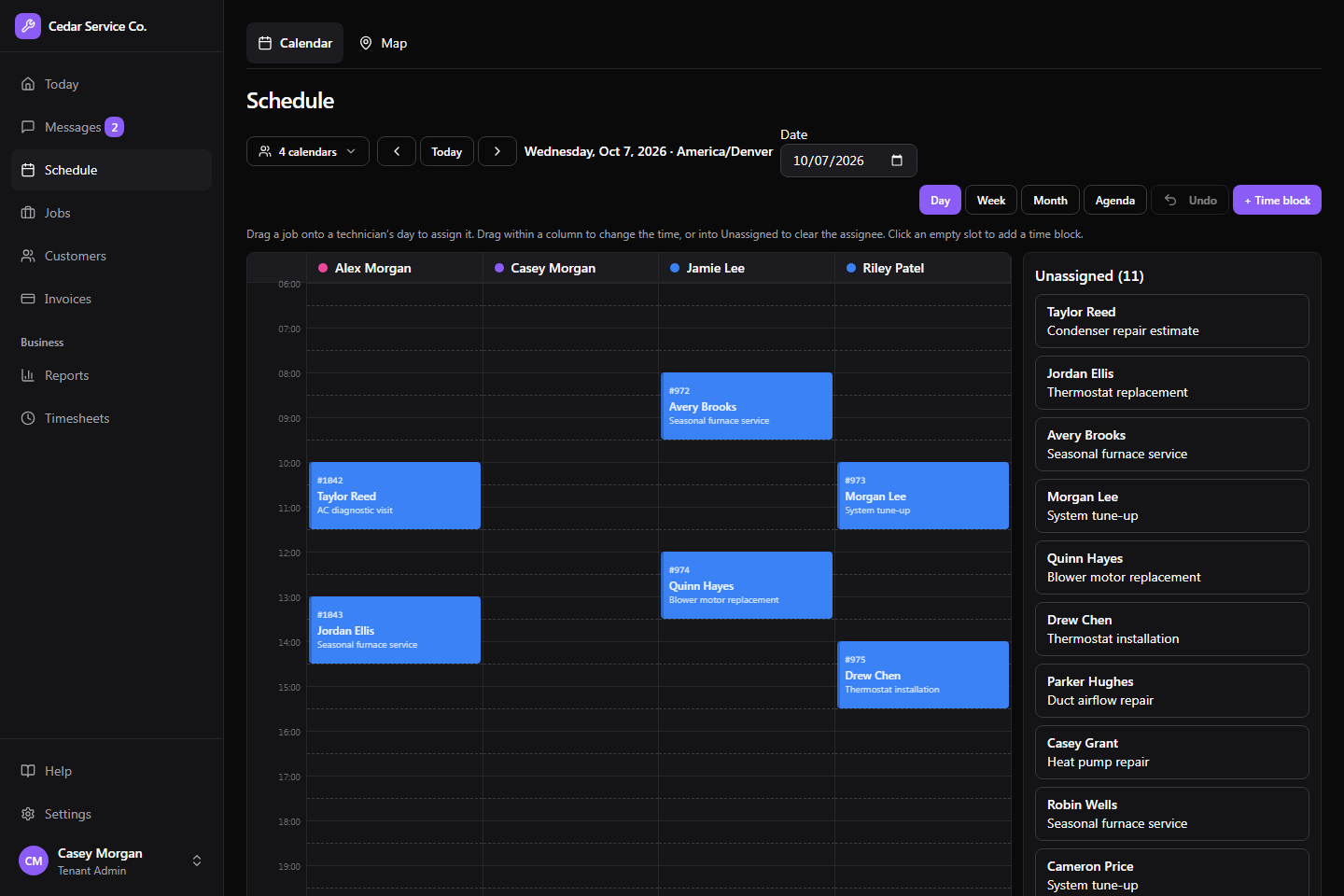
A shared view of the work
Keep the request, service address, assignment, conversation, and invoice connected. Your office can see what needs attention while the crew records what happened on site.
Explore the full feature list →AI agents on your team
Add an AI agent to your team and connect any assistant to it through Crewsmith’s MCP server. It can look up customers, check the schedule, prepare invoices, work the inbox, and hand customers to a person. It starts read-only. You allow specific actions, set limits, and approve the changes that matter.
An HVAC customer emails about an air conditioner that isn’t cooling. Your assistant finds or creates the customer, logs the lead, and comes back with appointment options.
Example · HVAC
Explore customer intakeA plumbing appointment is cancelled. Your assistant checks unscheduled work and technician availability, then proposes a job to fill the gap.
Example · Plumbing
Explore scheduling and dispatchA landscaping owner wants to chase outstanding invoices without building a list from emails and spreadsheets.
Example · Landscaping
Explore billing follow-upAn electrical contractor wants a morning briefing on today’s visits, open requests, and money still outstanding.
Example · Electrical
Explore business reportingYour customers, included
Customers can request service, approve quotes, pay invoices, and see their upcoming appointments in your branded portal. Website booking, which you can embed on your own site, can offer published services and live appointments once set up for your business.
Explore the web app and customer portal →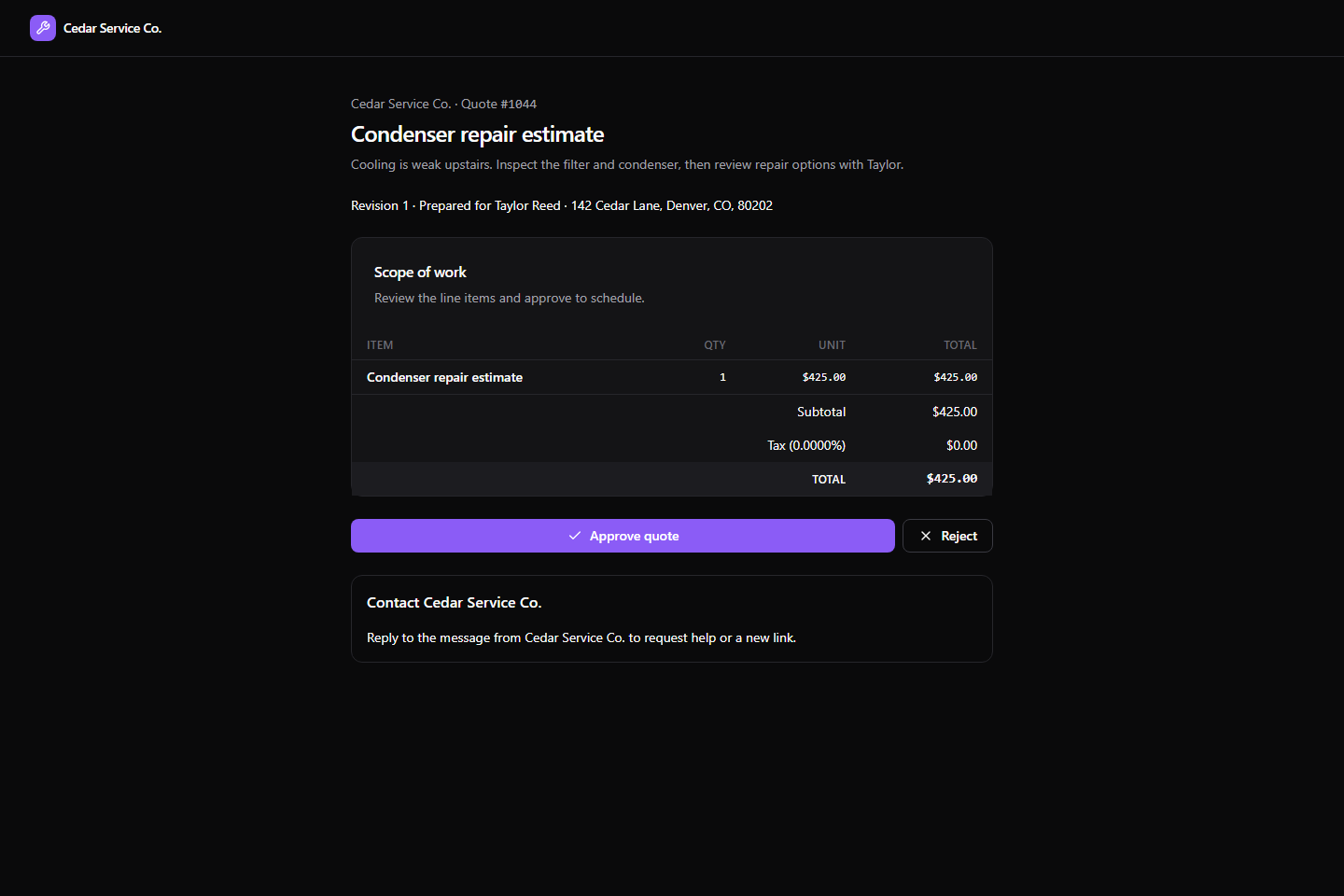
Built around the way service businesses work
Crewsmith is available by invitation. Tell us about your business and we’ll follow up about access and the right plan.