Customer intake · HVAC example
Turn an inquiry into the next job.
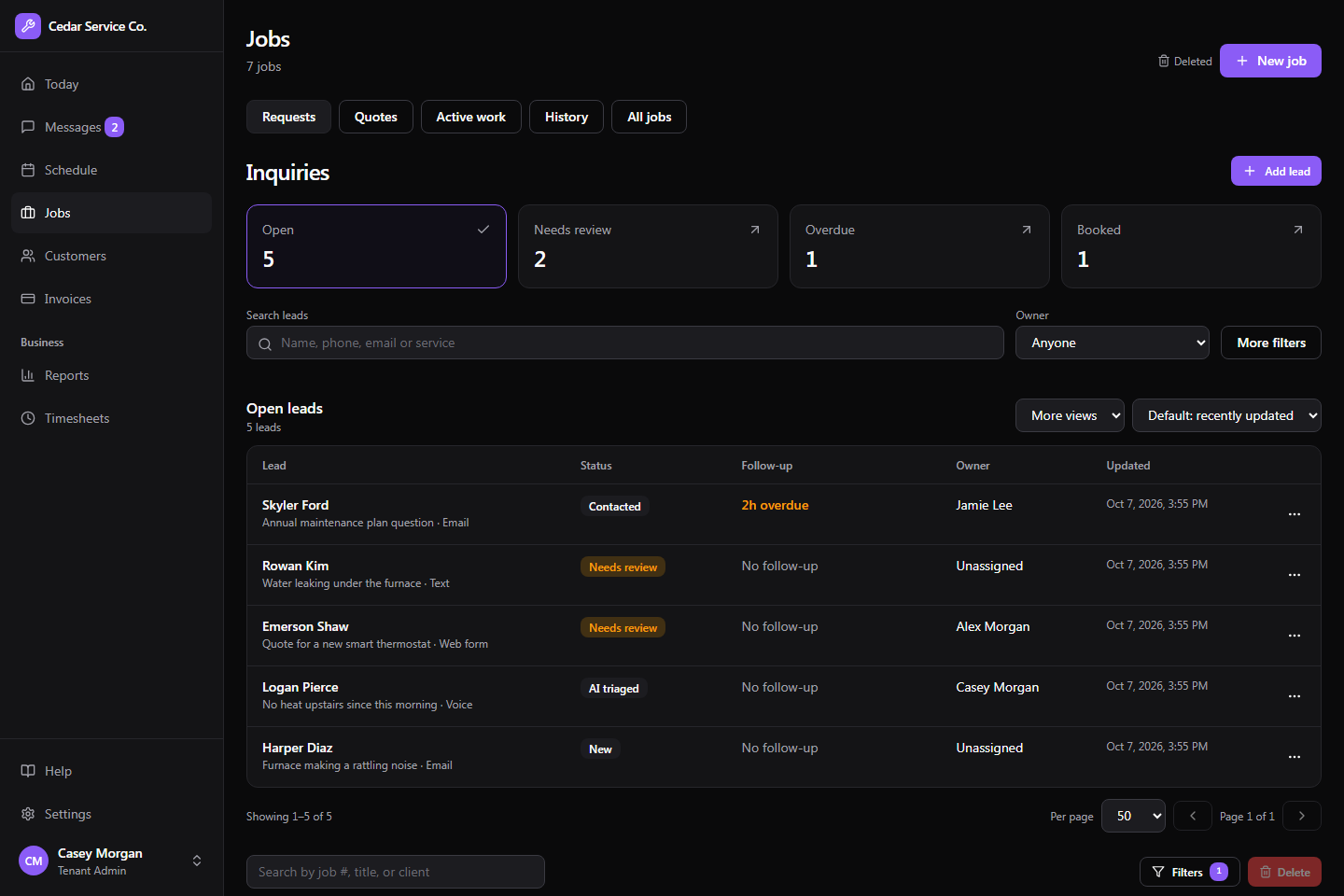
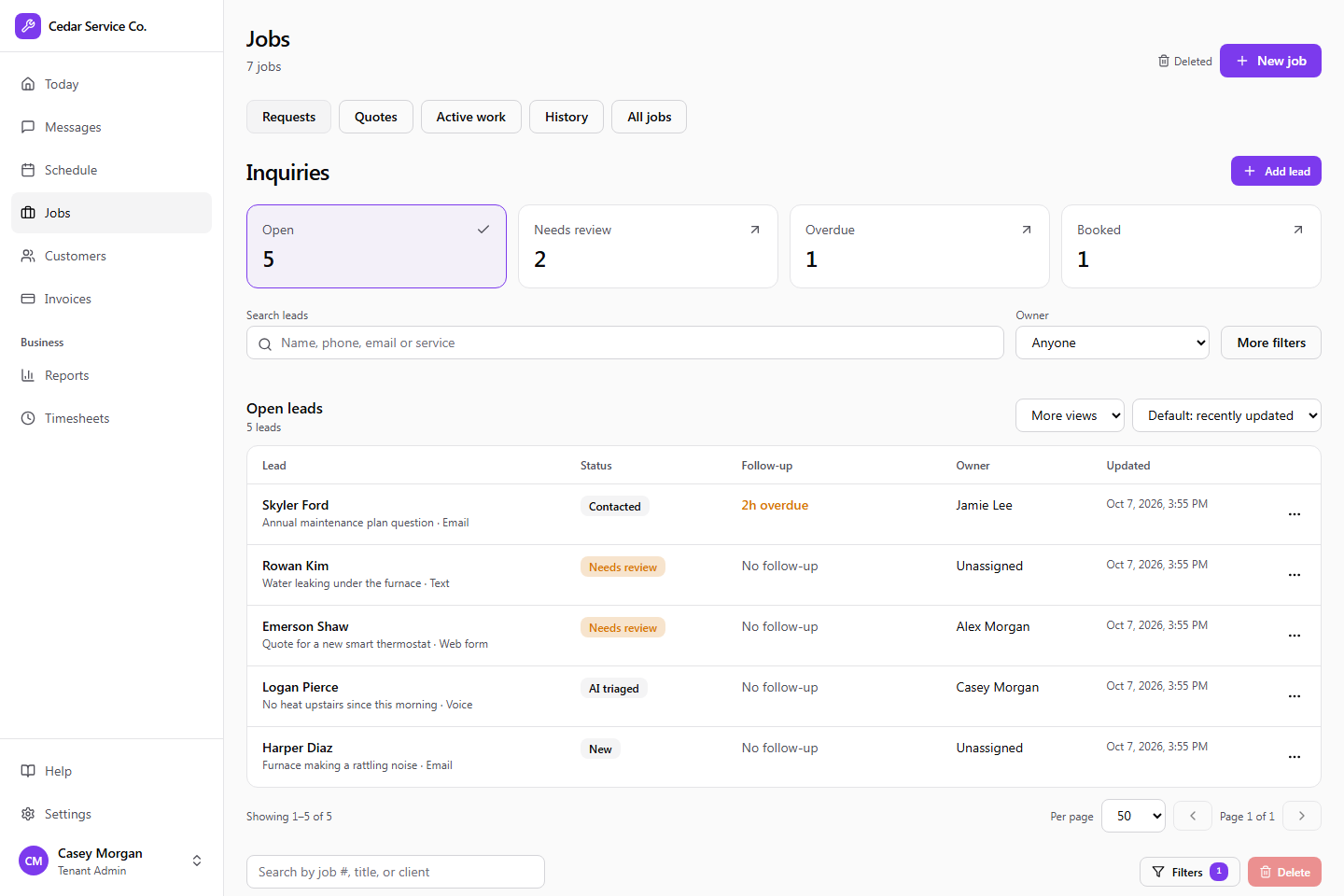
An HVAC customer emails about an air conditioner that isn’t cooling. Your assistant finds or creates the customer, logs the lead, and comes back with appointment options.
Try an instruction like this
“Review this air-conditioning inquiry. Find the customer, record the service address and issue, and show me the next available diagnostic appointments. Prepare the job for my review.”
How the work moves forward
- 1.
Find the customer
Search existing customers and properties, or create them for a new customer.
clients_list · properties_create
- 2.
Capture the request
Log the reported issue as a lead with the service address attached.
leads_create
- 3.
Check the calendar
Look up the diagnostic service and the appointments your crew can take.
offerings_list · availability_check
- 4.
Book it after review
With job creation set to require approval, your dispatcher approves the proposed booking before it is created.
jobs_create
What you get back
A customer, service address, and lead in Crewsmith, plus a booked job once your team approves it.
Example workflow. What an assistant can do depends on the actions you allow, their limits, and which changes require approval. Everything it does is recorded in Crewsmith for your team to review.