Billing follow-up · Landscaping example
Know which invoices need a nudge.
A landscaping owner wants to chase outstanding invoices without building a list from emails and spreadsheets.
Try an instruction like this
“Review outstanding landscaping invoices. Summarize who owes what, and resend each invoice with a payment link. Show me the list before anything goes out.”
How the work moves forward
- 1.
Read the balances
List issued invoices with outstanding balances and their customers.
invoices_list · payments_list
- 2.
Prepare payment links
Create a customer payment link for each invoice that needs one.
invoice_checkout_create
- 3.
Review the recipients
Limits cap how many customers one request can reach, and approval shows you each resend first.
document_deliveries_request
- 4.
Send what you approved
Approved invoices go out through Crewsmith’s normal document delivery, and the assistant checks each one was delivered.
document_deliveries_get
What you get back
An outstanding-balance summary and invoice resends with payment links, sent only after your review.
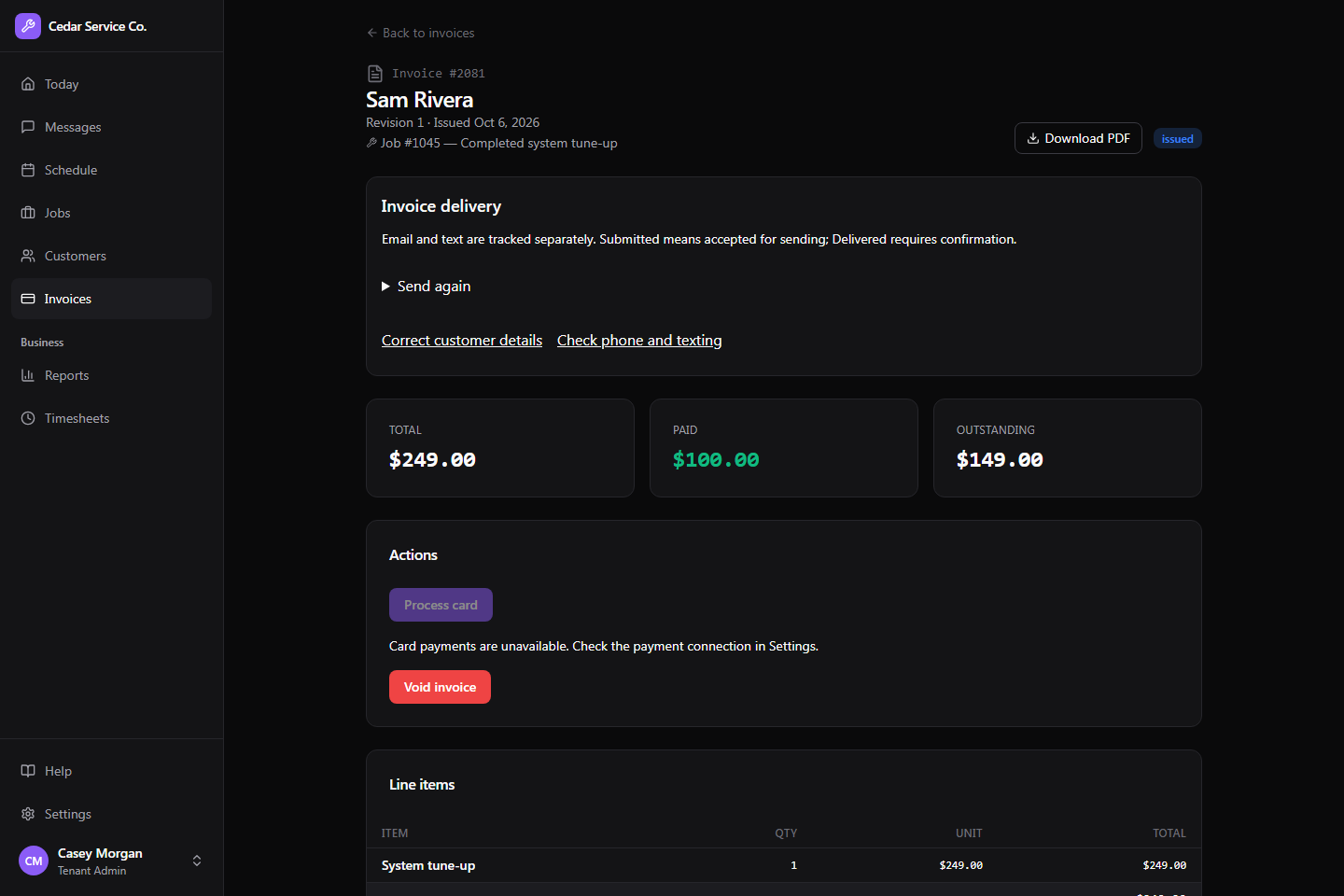
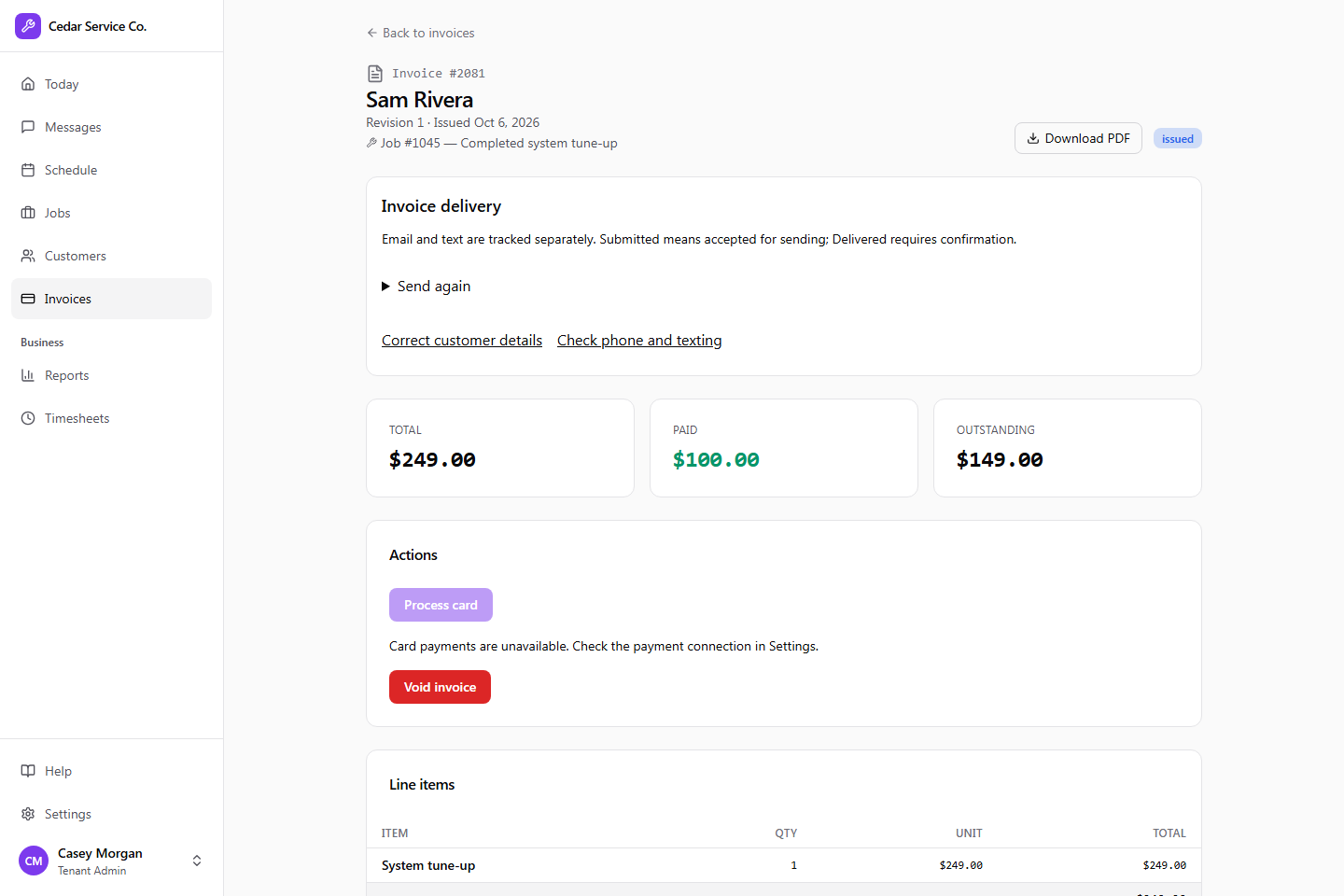
Example workflow. What an assistant can do depends on the actions you allow, their limits, and which changes require approval. Everything it does is recorded in Crewsmith for your team to review.