Scheduling and dispatch · Plumbing example
Put an opening back to work.
A plumbing appointment is cancelled. Your assistant checks unscheduled work and technician availability, then proposes a job to fill the gap.
Try an instruction like this
“An appointment opened up this afternoon. Check the unscheduled plumbing jobs and technician availability. Suggest a job that fits, and ask me before changing the schedule.”
How the work moves forward
- 1.
Review the opening
Read the schedule and confirm which technician and time window are free.
calendar_read
- 2.
Find work that fits
Compare unscheduled jobs, service durations, and availability.
jobs_list · availability_check
- 3.
Propose the change
The reschedule waits under Awaiting your review with the exact job, technician, and time.
jobs_reschedule
- 4.
Apply and confirm
After approval, the assistant applies that same change and reads the job back to confirm it.
jobs_get
What you get back
The opening is filled with a change your dispatcher approved, and the activity is recorded in Crewsmith.
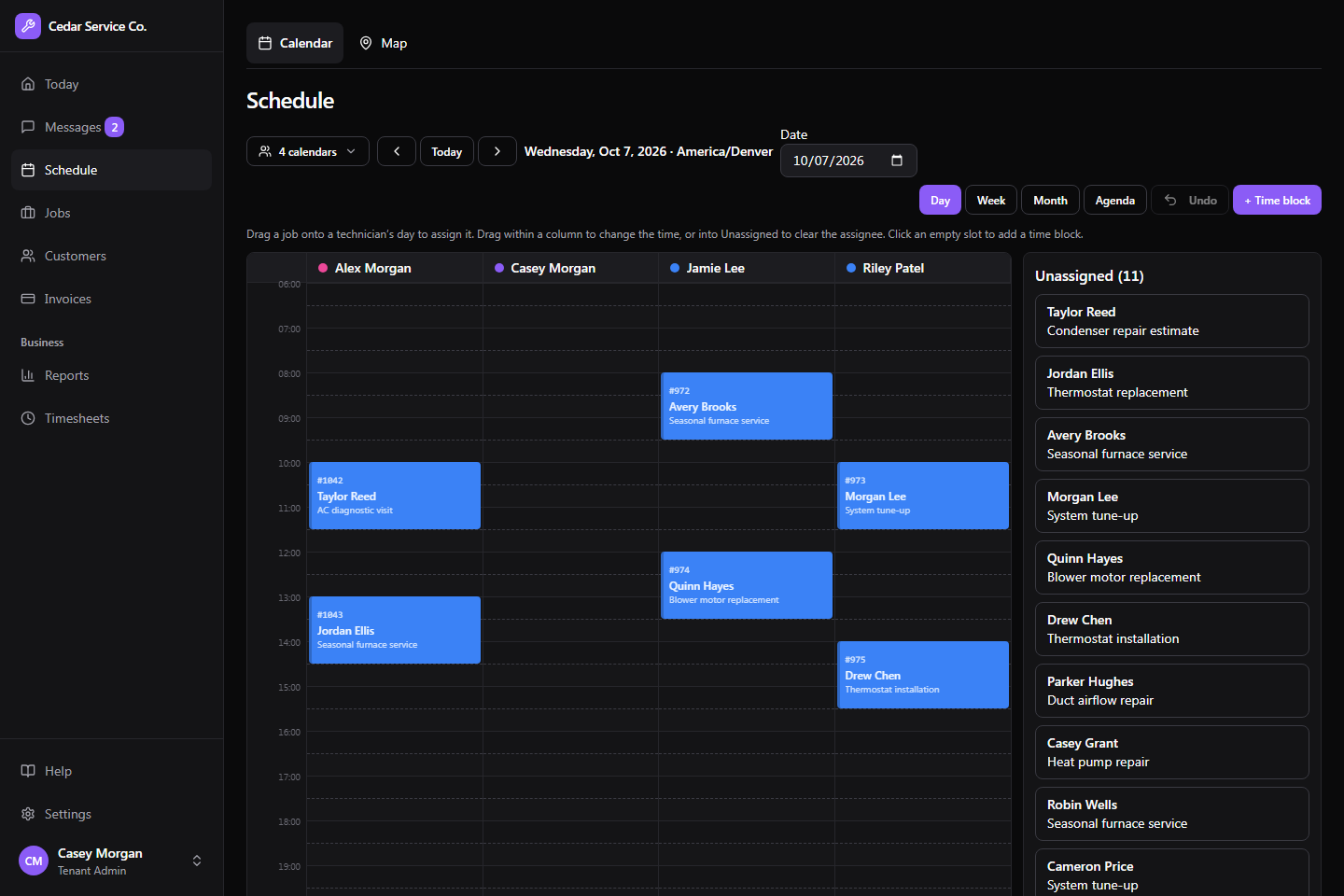
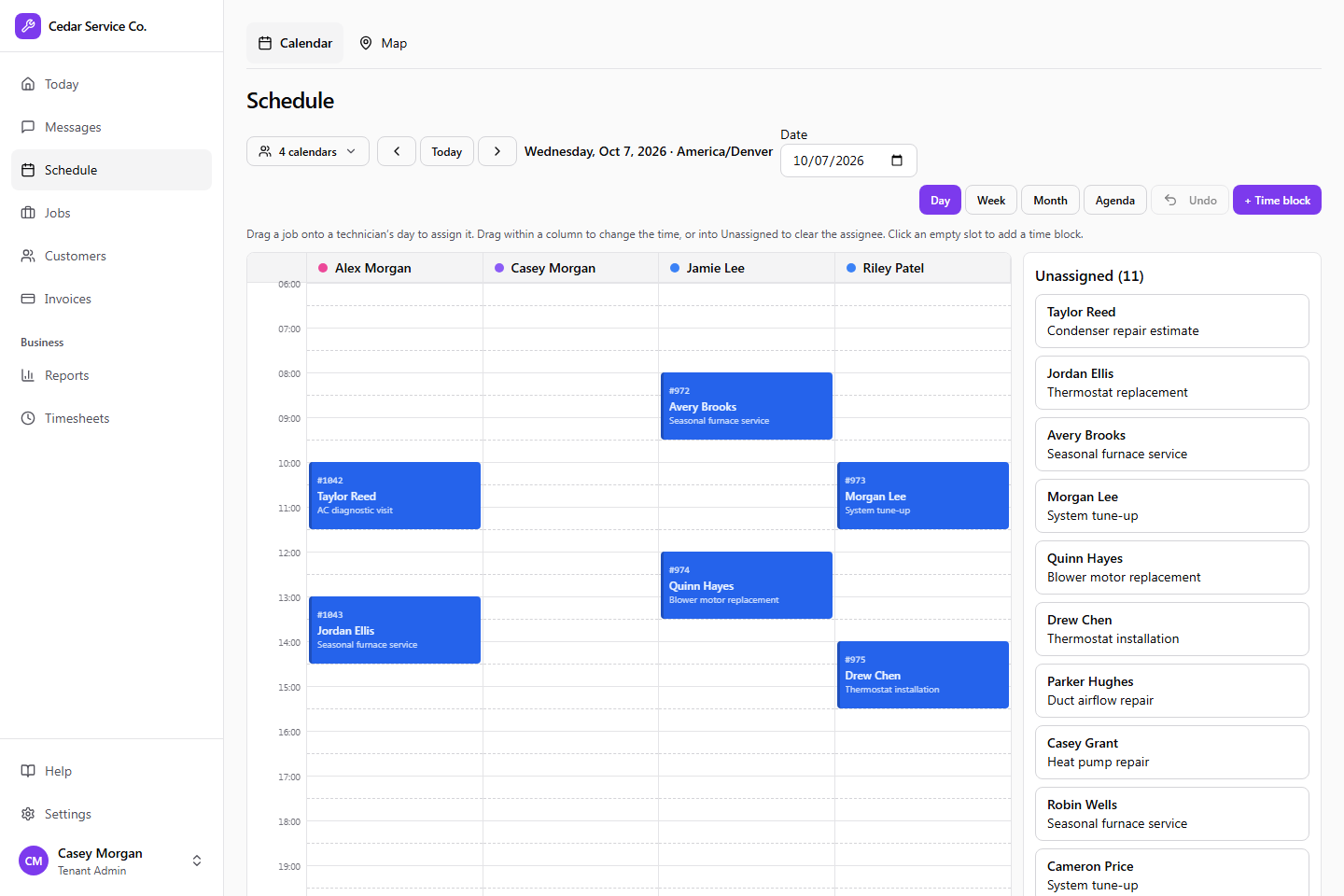
Example workflow. What an assistant can do depends on the actions you allow, their limits, and which changes require approval. Everything it does is recorded in Crewsmith for your team to review.