Time tracking
Clock in. The rest tracks itself.
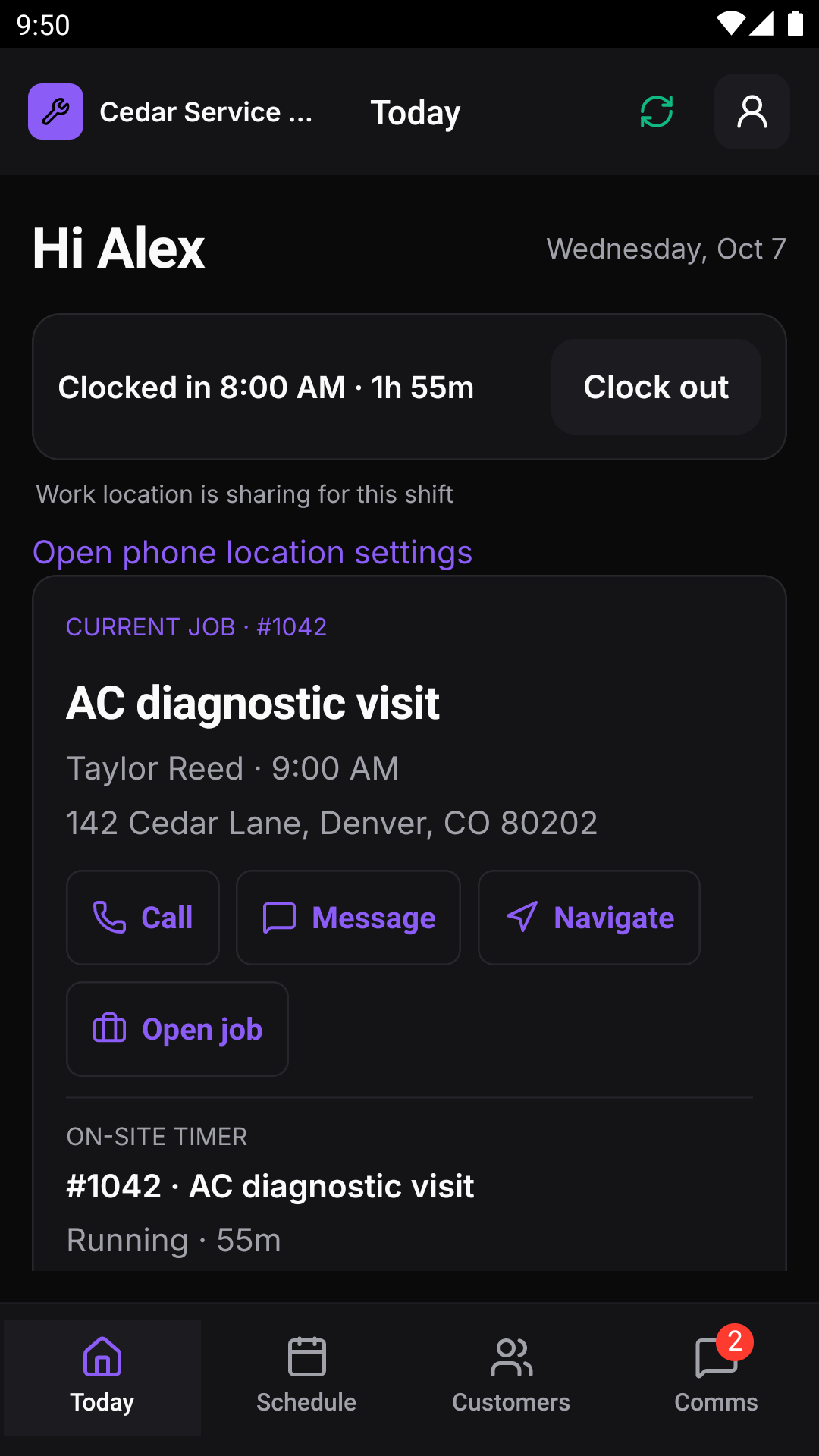
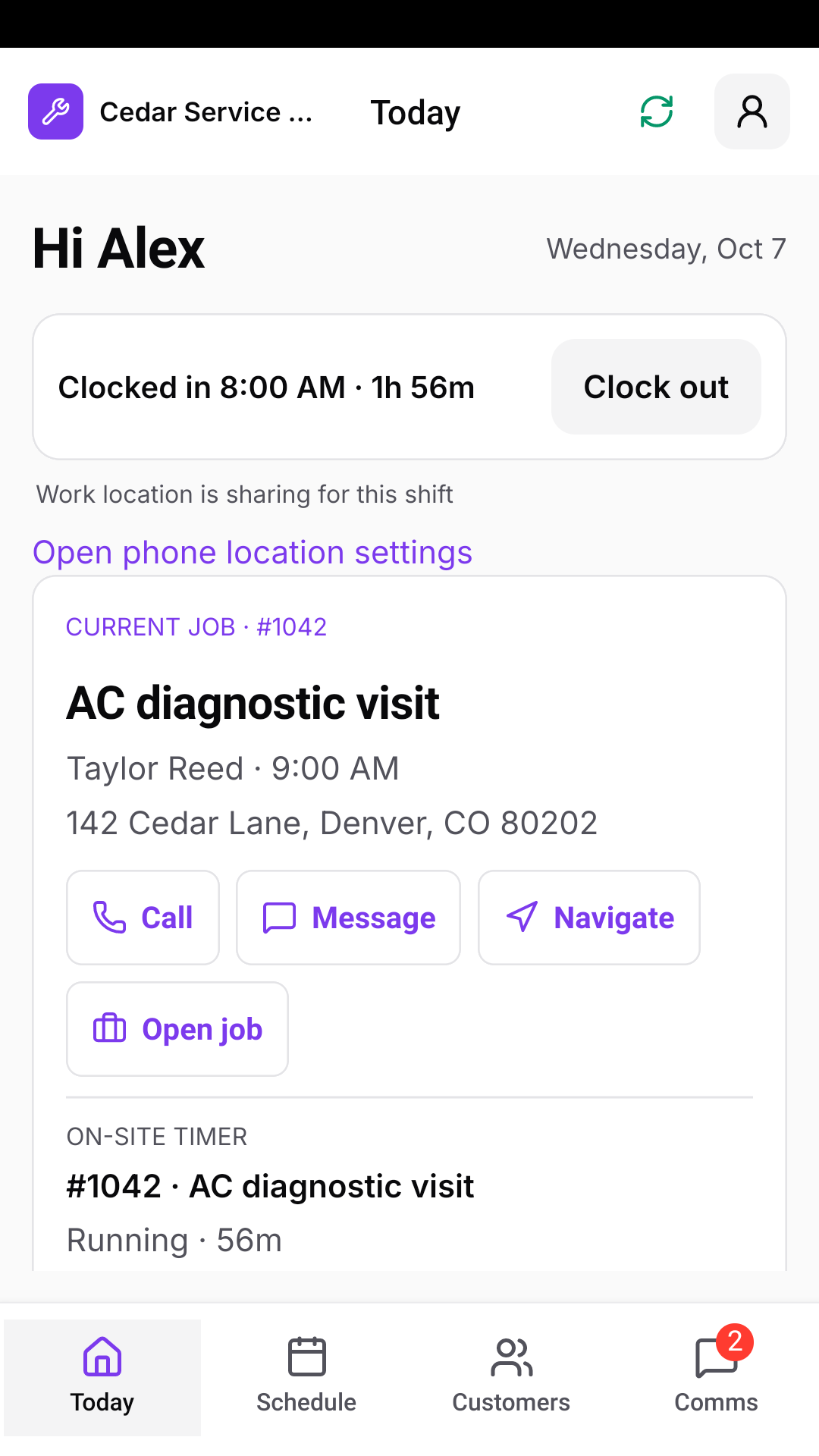
Your crew clocks in on the iPhone. GPS sorts job, travel and office time until they clock out.
On shift only
Location only while they’re on the clock.
Clock-in starts location. Clock-out stops it. Nothing is tracked off shift, and clocking in and out is always the tech’s call.
- 01The tech clocks in on the iPhone.
- 02Crewsmith records location about once a minute.
- 03Breaks and lunches are clock-out reasons.
- 04Clock-out stops tracking.
Job timers
Arrive, start. Leave, stop.
GPS records each trip, arrival and departure. Turn on automatic actions and the app texts “On my way”, starts jobs on arrival and completes them on departure.
- Travel counted toward the next job
- Automatic actions are your choice
- Manual buttons always win
Review and payroll
Fix it before payday.
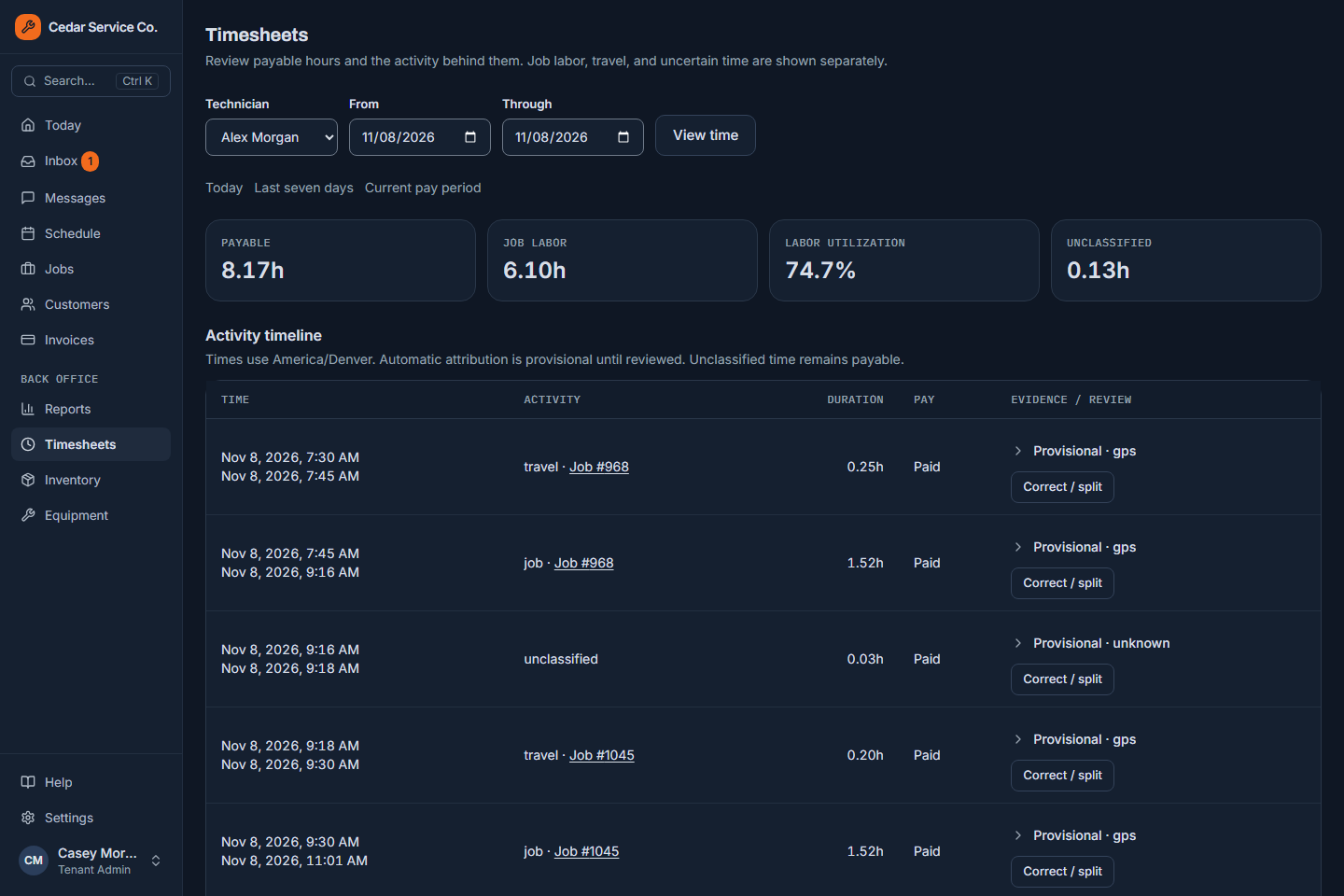
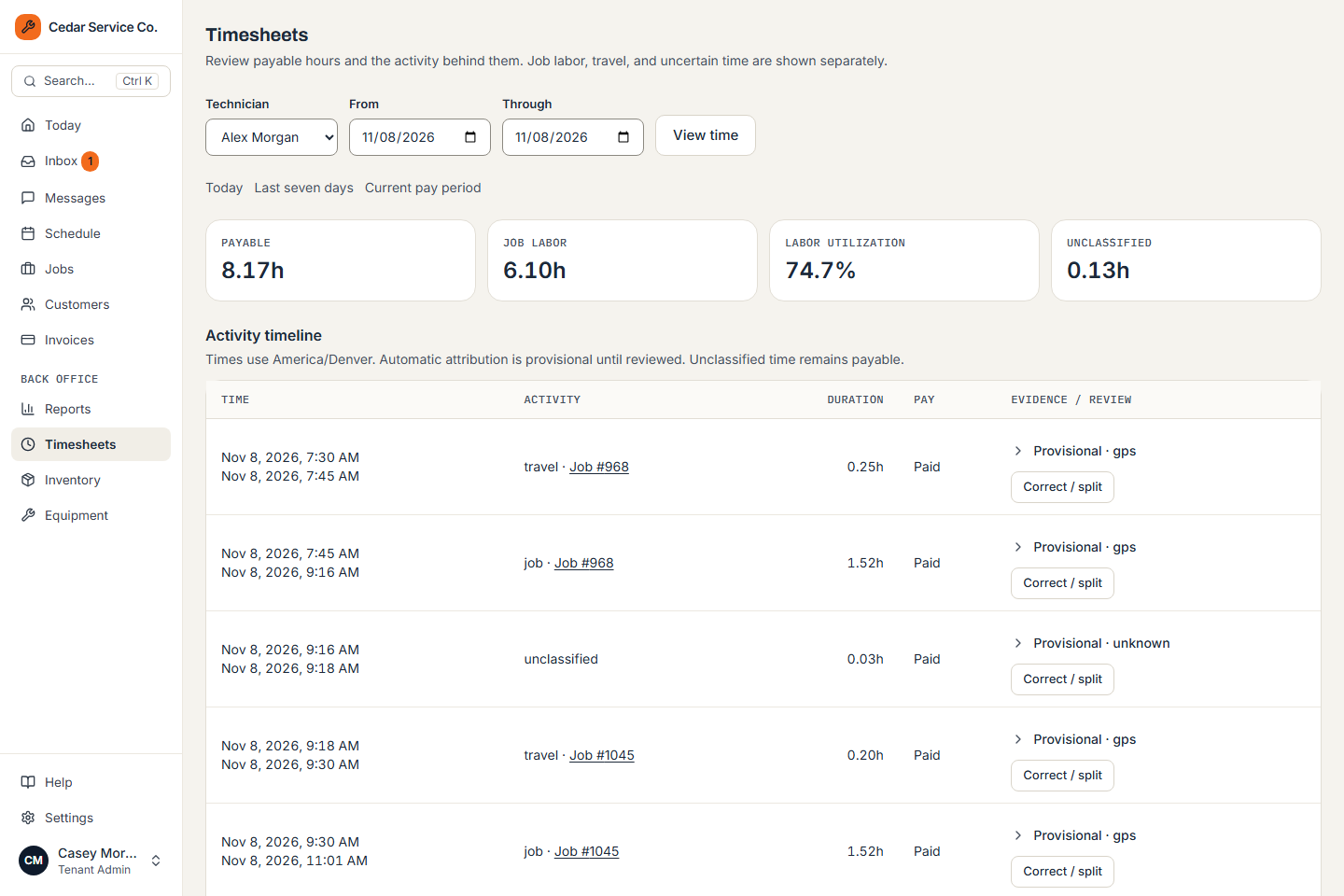
See each tech’s day as a timeline of job, travel, office and break time. Techs request corrections; managers approve or reject them.
- 01Review the timeline and exceptions.
- 02Approve or reject correction requests.
- 03Approve the pay period.
- 04Export the payroll file.
- Weekly, biweekly, twice-monthly or monthly pay
- Paid or unpaid breaks, your rule
- Every change audited
Built for the trades
Get back to the work you’re good at.
Tell us about your business and we’ll get you set up.